What Guardian adds
Guardian is the layer that watches your network for you and brings the result to your iPhone. Everything below is checked against the app: if it is not in this list, Guardian does not do it.
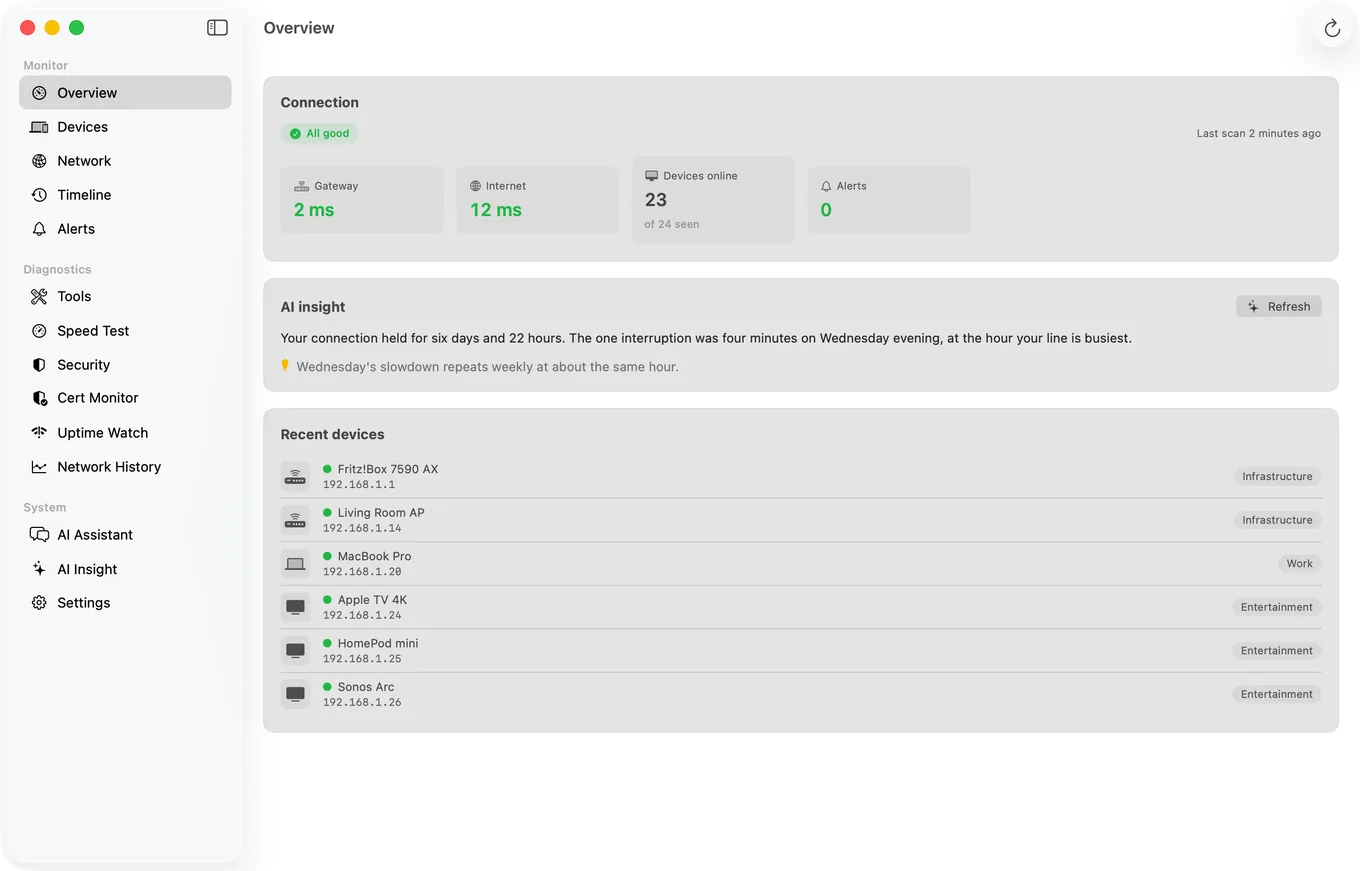
The Mac Agent on your iPhone
The Agent's device list, timeline and alert history sync to your iPhone through your private iCloud, so you can see what a Mac that stays on at home has recorded, wherever you are. On the Mac itself these alerts are free: an internet drop from the start, a new device once the Agent has spent its first day learning your network, and a device going quiet once you switch on its Device Offline alert, which is off by default. Guardian shows one Mac on your iPhone; Guardian Plus shows up to five.
Uptime Watch for 10 sites or ports
Checks every five minutes from Cloudflare's network, with a push to your iPhone when a site you watch from it goes down and another when it recovers; on a Mac that is awake, PingKit Agent shows the same alerts for the sites you watch from that Mac. Guardian adds TCP port and keyword checks and 30 days of response times; one URL checked hourly is free. On iPhone and on Mac.
Cert Monitor for 5 domains
Warnings 30, 14, 7 and 1 days before a TLS certificate expires, from the latest check by the device that watches it: by push on iPhone, which also hears when a chain fails, and in PingKit Agent on a Mac that is awake. One domain is free; Guardian watches five, and Guardian Plus fifty.
Scheduled speed test results
PingKit Agent tests your ISP on a schedule you set, once a day by default, while your Mac is awake, and the results appear on your iPhone, so the slow hour you keep missing is on record.
A weekly report on iPhone
Every Monday at 9:00 your time, Guardian on iPhone gives you a short notification of what PingKit recorded the week before: certificates that need attention, websites and Session Watch sessions watched and, with a Mac running PingKit Agent, the alerts and devices your Mac saw. It is built on the iPhone, needs notifications turned on, and has an off switch in Info.
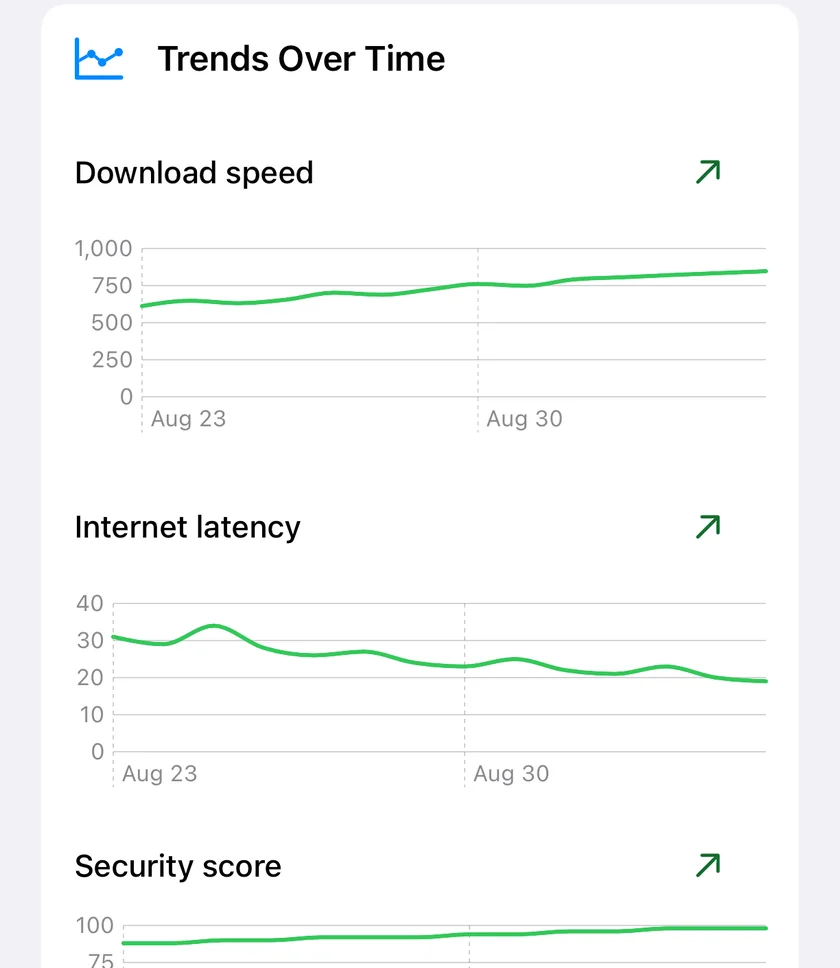
Trends per network
Latency, speed, jitter and security score charted by day for every network you use, with the direction of travel once there are four days of readings.
Cameras on your network
On iPhone, the Security Scan lists every camera it can identify on your Wi-Fi, how it knew, what each serves, and whether your own public address answers on one of its ports that the check tries, next to the devices you have not named.
Router mode
On iPhone, your router's port forwarding in plain language, with removal. The status view is free. How Router mode works.
Session Watch for gaming
On iPhone, your connection graded A to F for real-time games against ten cloud regions, for up to two hours (eight with Guardian Plus) with a Live Activity, with a lag-under-load test, where the lag is and a history of your sessions. Foreground only. The one-minute check is free. How Session Watch works.
The security checkup, over time
What is new, resolved or worse since the last checkup, which device each finding belongs to, a Fix It walkthrough for your router brand, and an optional re-check when you open the app.
Where the problem is
Smart Diagnostics names the failing segment: this device, inside your network, between your router and your ISP, your DNS settings, or beyond.
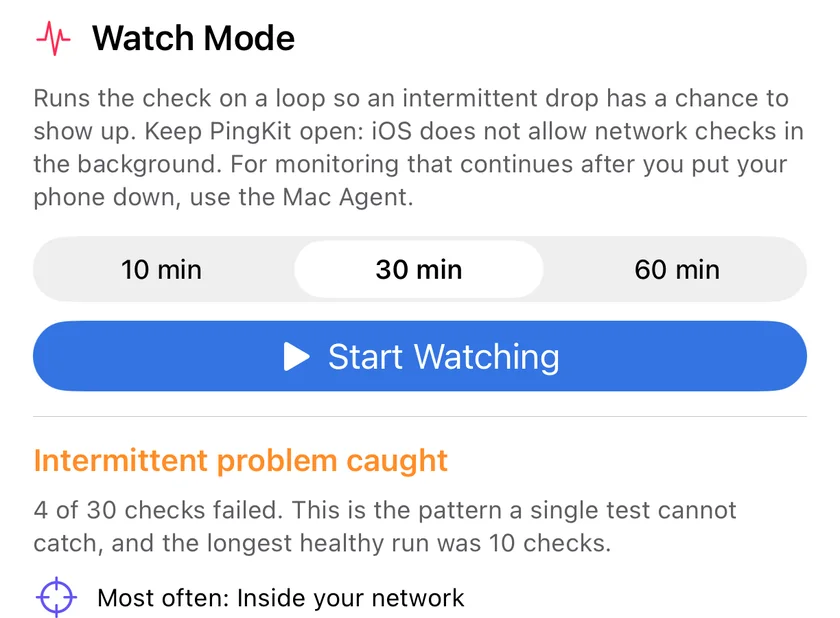
Watch Mode
Repeats the diagnostic for 10, 30 or 60 minutes and separates an intermittent fault from a constant one. Foreground only, by design.
Apple Private Cloud Compute
The assistant, security explanations, remediation steps and scan summaries reach Apple Private Cloud Compute for the questions too large for the model on your iPhone to hold on its own, in 27 languages, and, once you allow PingKit's own AI service, Guardian's cloud AI suggests a category for devices that signature matching cannot label.