PingKit App Screenshots
PingKit - AI Network Assistant & Network Tools for iPhone, iPad & Mac
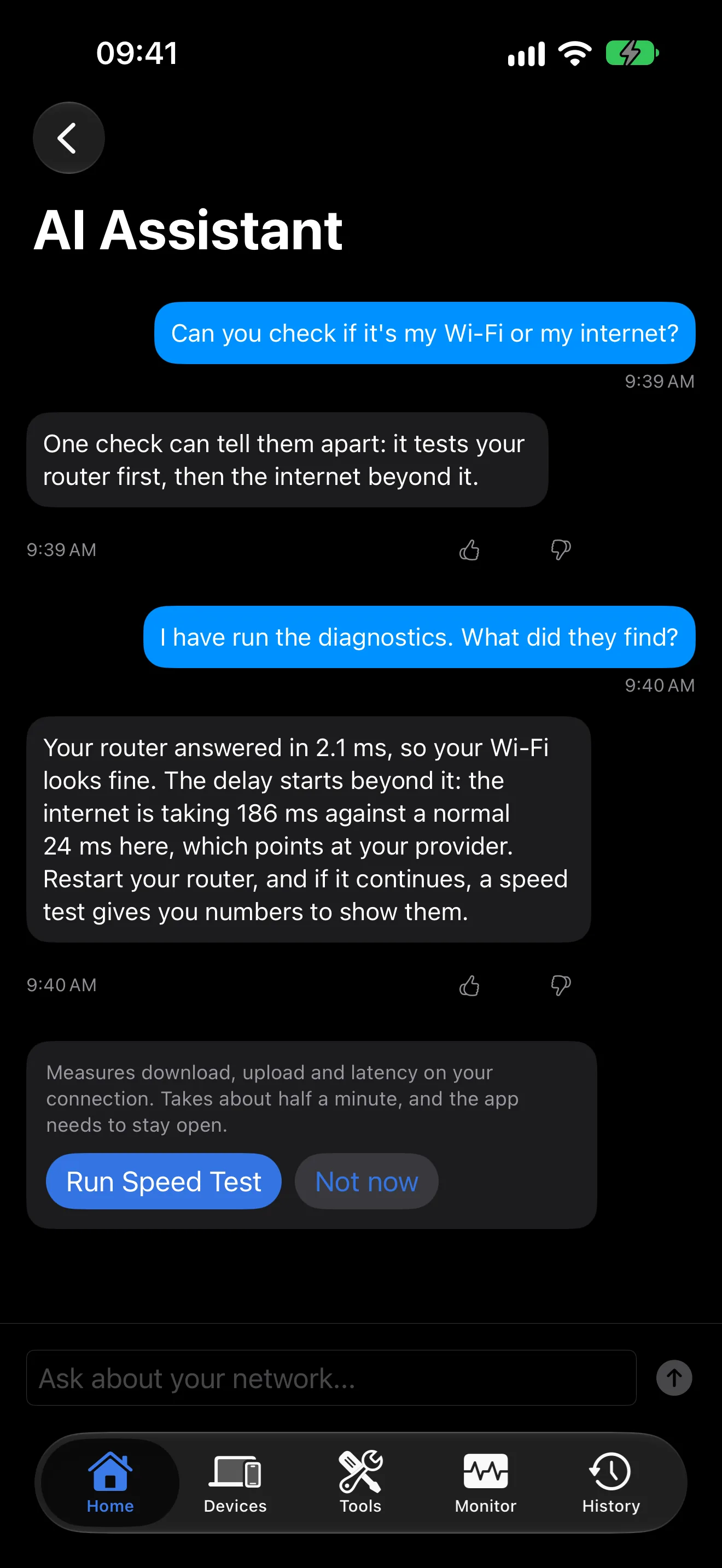
Ask your network anything. PingKit names many of the devices it finds and explains your WiFi and security findings in plain English.
Answers are written on your iPhone where Apple Intelligence is available, and with Guardian by Apple Private Cloud Compute. Requires iOS 17.0 or later. All 19 tools free, forever. No account required.
Every tool on the Tools tab is free, with no ads and no account, and so are the device scanner and Live Connection. Session Watch and Router add more with Guardian.
Real-time latency stats, packet loss tracking, and detailed graphs for any host.
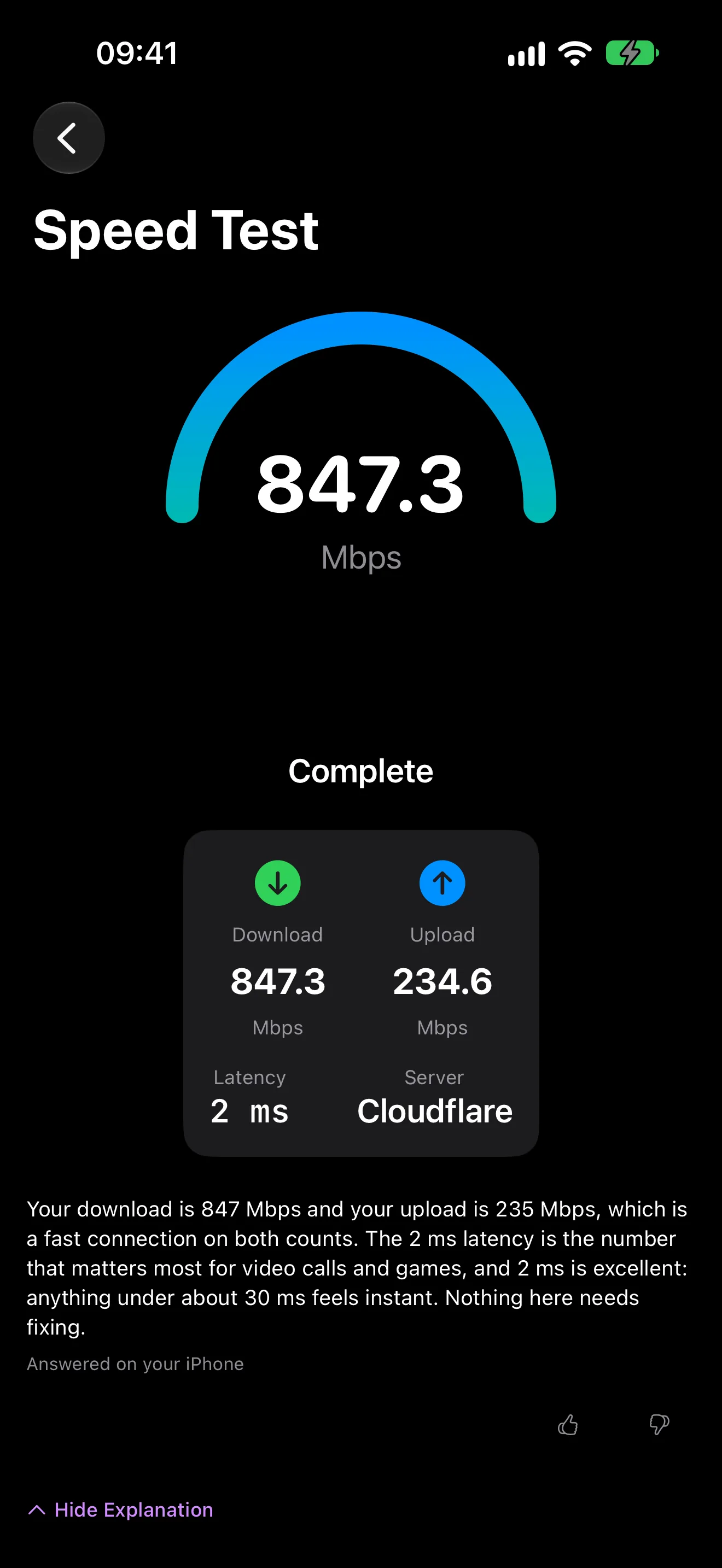
Multi-connection download and upload measurement. Know your true speeds.
Trace network routes on an interactive map with hop-by-hop detail.
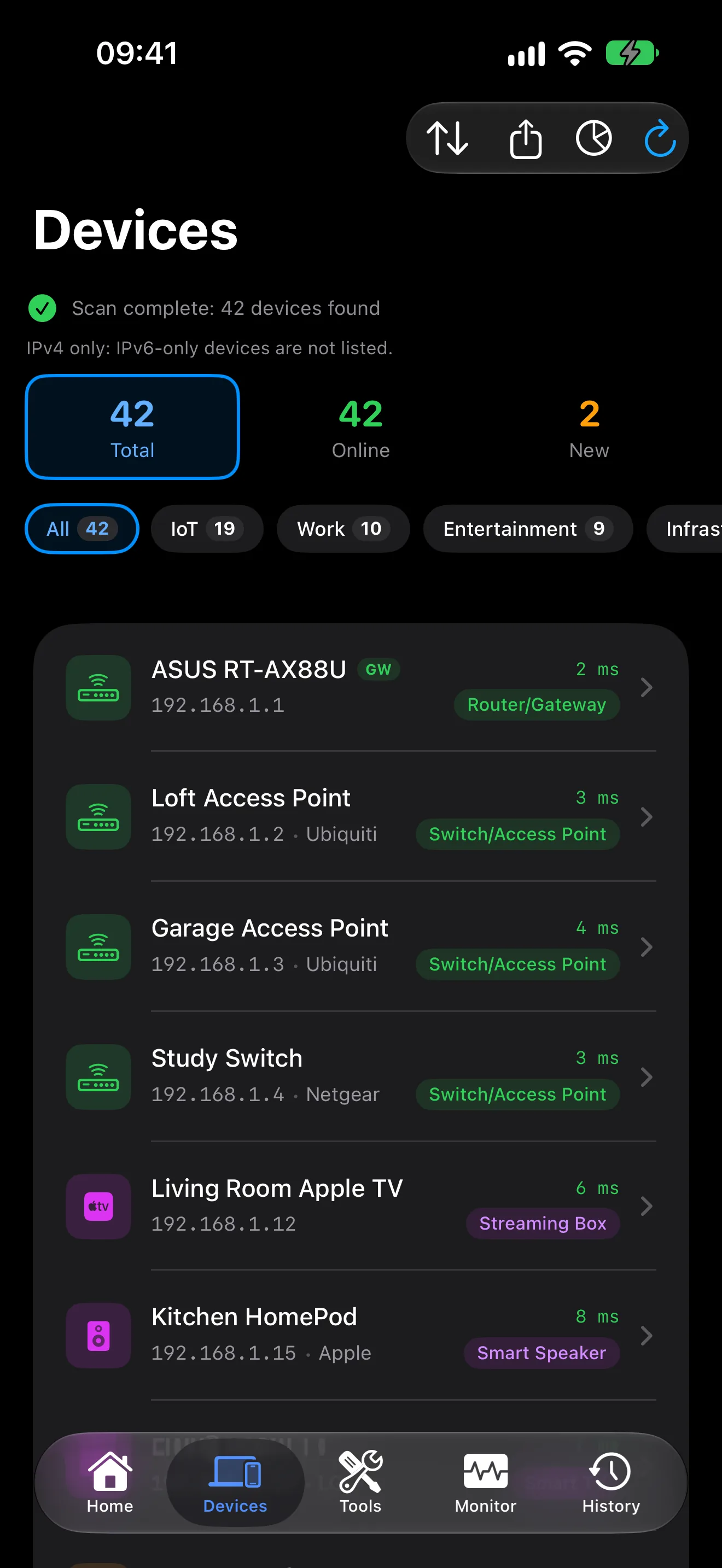
Find the devices on your network with their IP address, the name they announce and, where a device reports it, the maker.
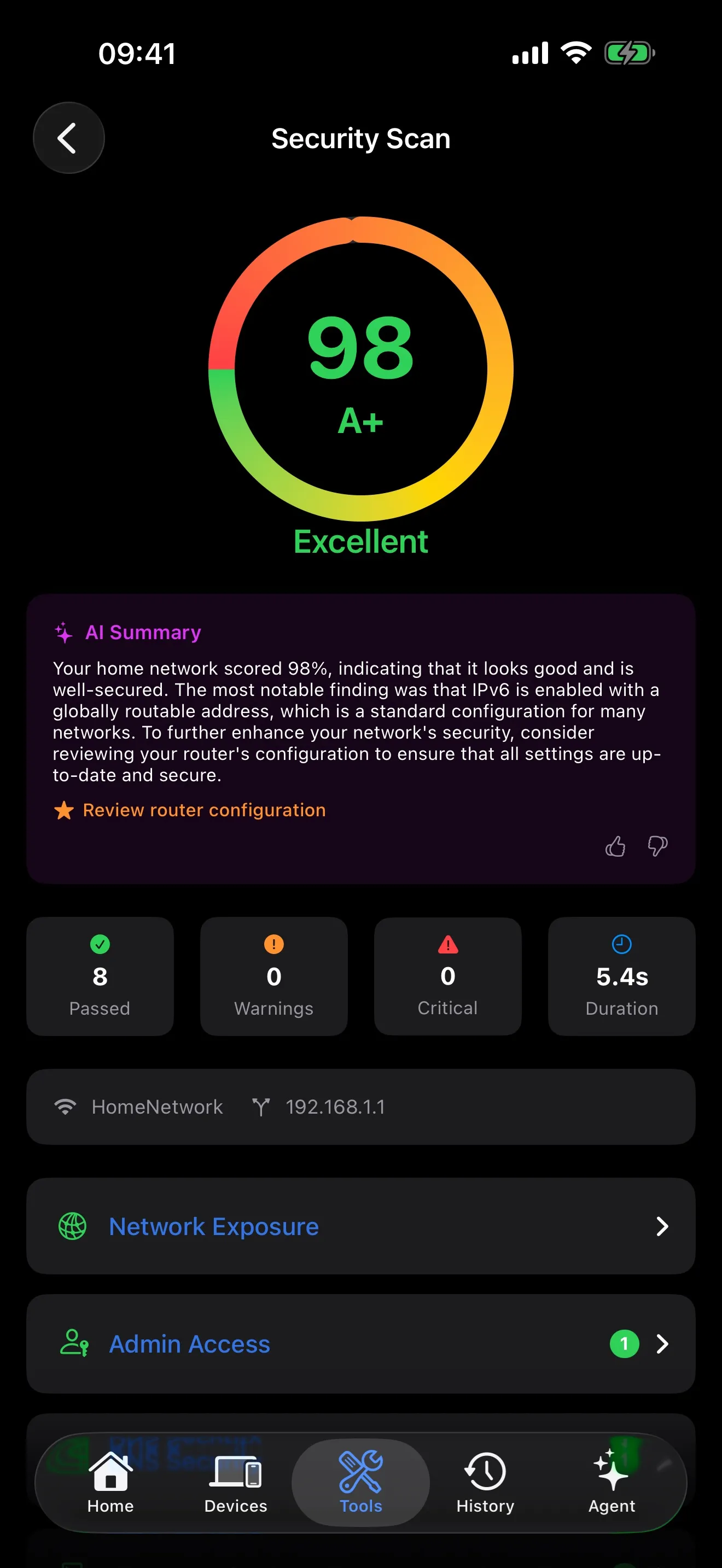
Check your network for open ports, exposed services and weak settings.
Scan the devices on your own network for open ports and the services those ports usually carry.
Continuous traceroute with real-time per-hop latency and packet loss statistics.
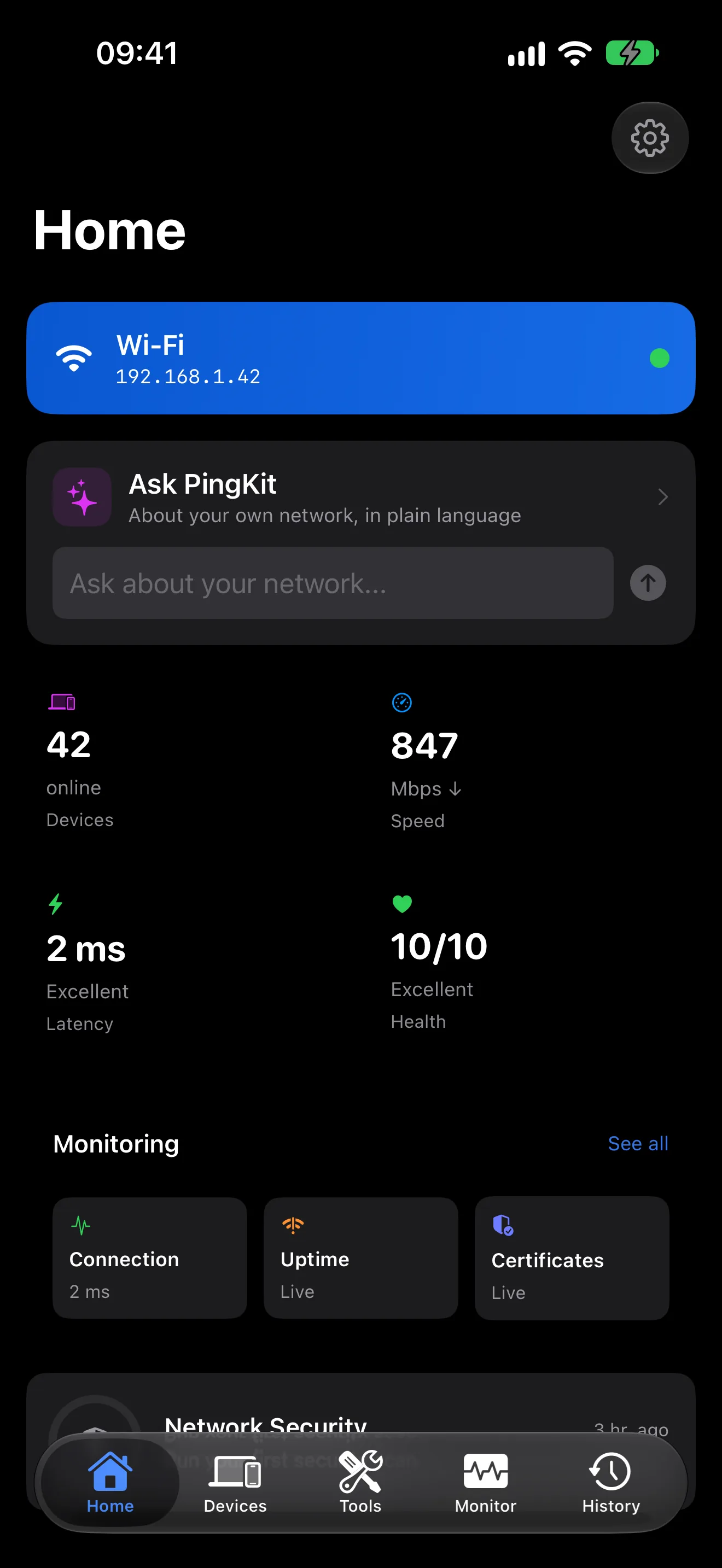
View your IP addresses, gateway, DNS servers, and active interfaces at a glance.
Query A, AAAA, MX, TXT, CNAME, and other DNS record types.
Inspect a certificate chain, check expiration, and see the issuer, key and signature.
Domain and IP ownership info with geographic location on an interactive map.
Locate any IP on a map with ISP, ASN, and geographic details.
Power on the computers on your network. Save devices for quick access.
Live latency graphs and stability scores for real-time monitoring.
Inspect headers, debug requests, and measure response times.
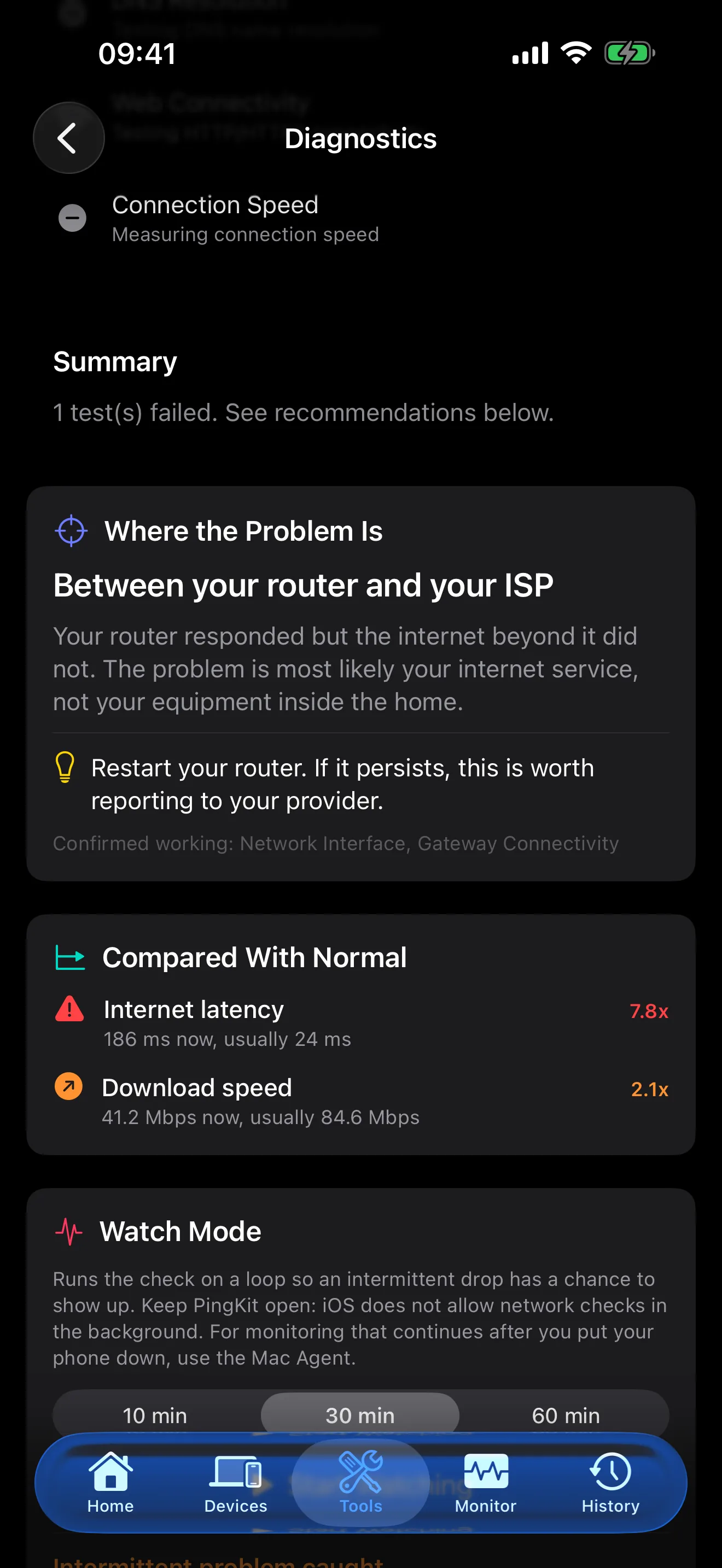
One-tap automated network analysis with actionable recommendations.
Calculate network ranges, convert CIDR notation, and plan IP addressing.
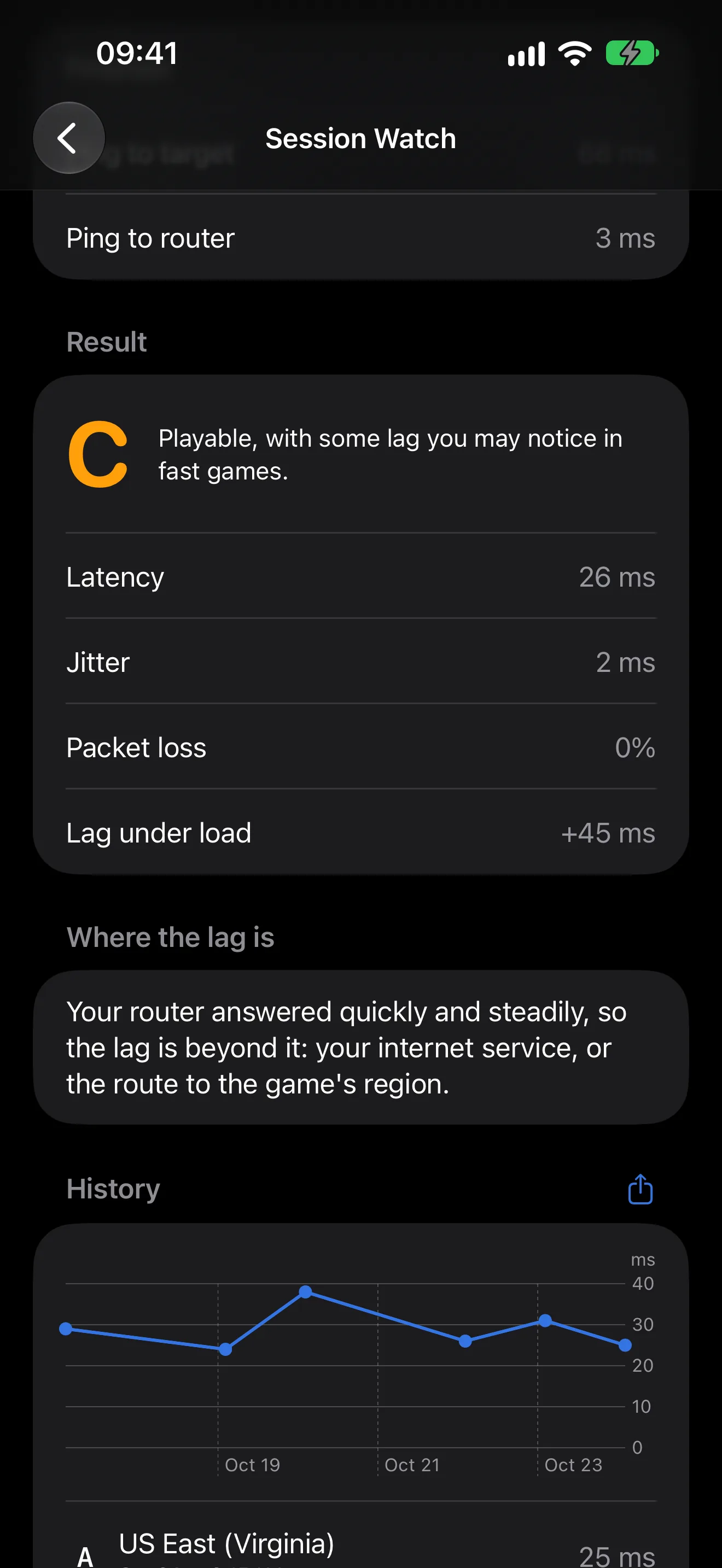
What iOS lets an app measure about your WiFi, and how to find the best spot using connection quality.
Discover Bonjour/mDNS services on your local network.
More AI answers. Mac monitoring on your iPhone. A morning briefing from a Mac that is awake. One subscription. Everything it includes.
Ask “Why is my WiFi slow?” and get a real answer. Your network, explained in plain English.
Tap any security finding for a clear explanation and step-by-step fix. No jargon, just action.
When signature matching alone can't confidently label a device, such as a smart TV, robot vacuum or game console, Guardian's AI suggests a category, once you have allowed PingKit's own AI service.
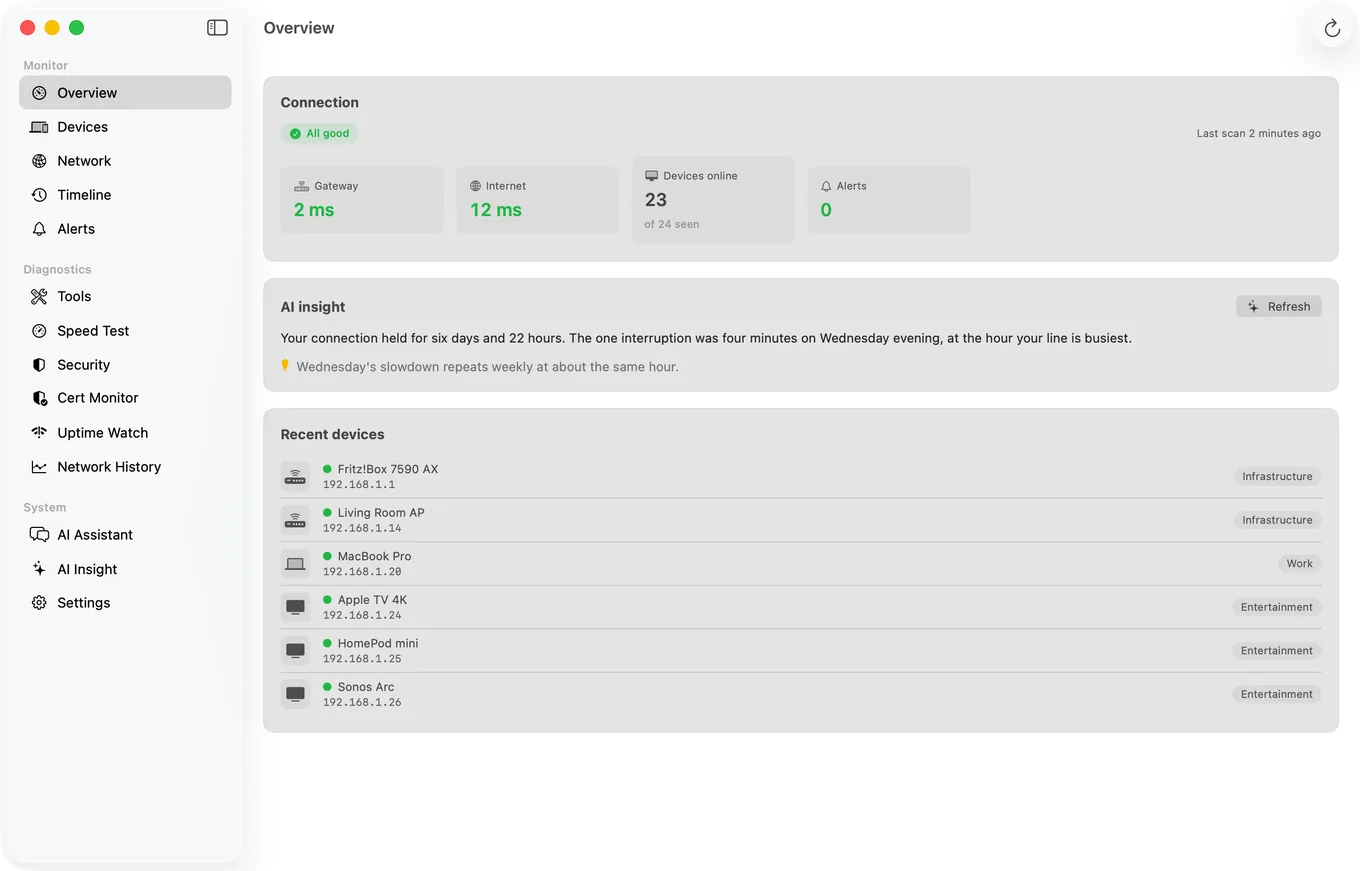
The free Mac Agent monitors from your Mac's menu bar whenever it's awake. Guardian puts its devices, timeline and alert history on your iPhone.
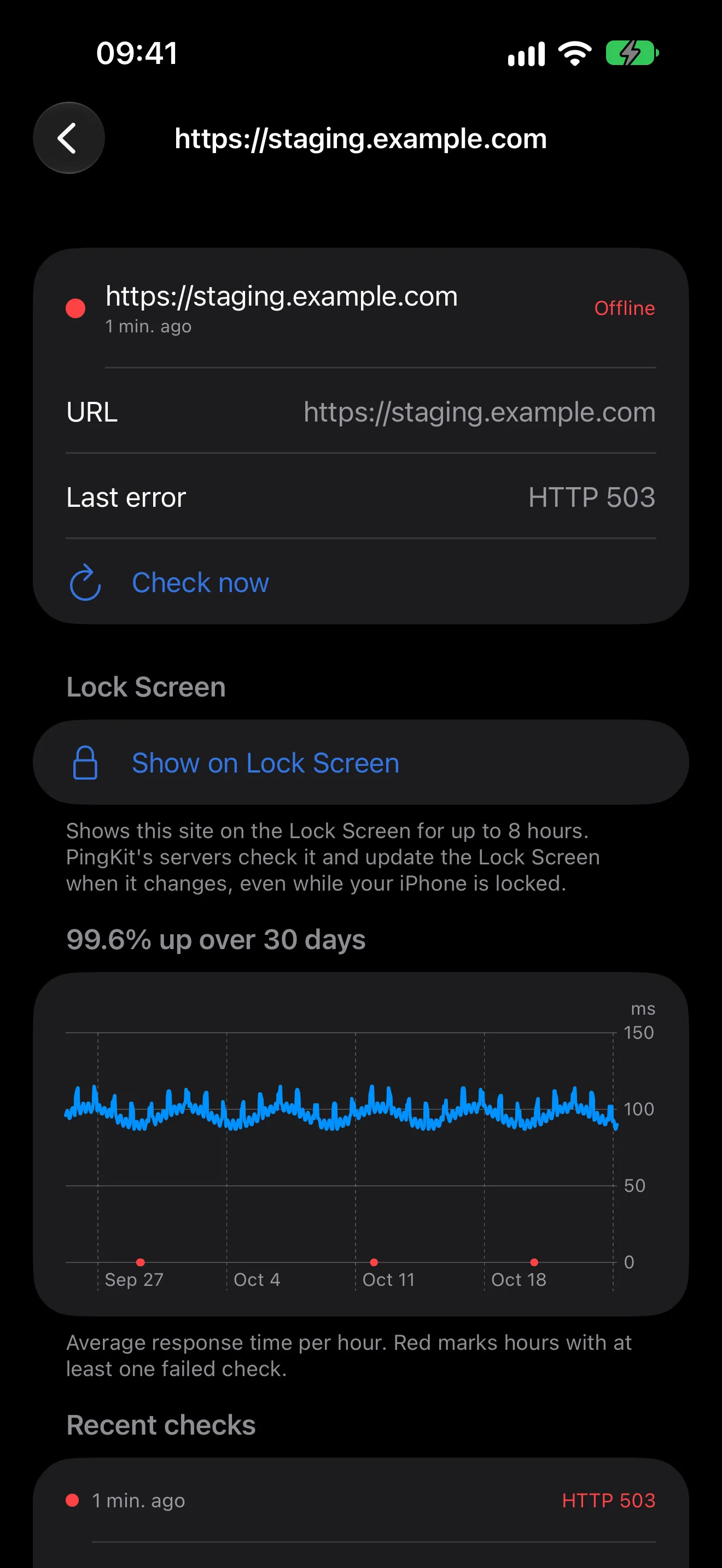
Checks from Cloudflare with a push when a site goes down and when it comes back. One URL is free, permanently, checked hourly; Guardian watches ten sites or ports every five minutes. Uptime Watch
Each morning, PingKit Agent on a Mac that is awake sends your iPhone a summary of the last 24 hours on your network. On the Mac, the Agent's alerts when a new device joins or your internet drops stay free. On iPhone, Guardian also gives you a short weekly report as a notification every Monday at 9:00 your time.
The Mac Agent's devices, timeline, alerts and speed tests sync to your iPhone via iCloud - check on your network from anywhere.
Get a plain-English summary after every security scan. Understand your network health at a glance.
AI responds in your language. English, Spanish, German, French, Japanese, Korean, Chinese, Arabic, Thai, and 18 more.
or $24.99/year (save 30%), on iPhone and Mac. 1-week free trial. Cancel anytime.
All 19 iOS tools and the Mac Agent are free, and so are AI answers within a weekly allowance; Guardian adds more AI, Apple Private Cloud Compute and the Mac Agent's dashboard on your iPhone.
Get the free Mac Agent on the Mac App Store (macOS 15 or later)
All 19 diagnostic tools run on your device. No accounts, no tracking, no advertising.
AI answers are written on your device where Apple Intelligence is available, and with Guardian by Apple Private Cloud Compute. Otherwise PingKit asks your permission before its own service receives a summary of your network. When PingKit's own AI service writes an answer, the names you gave your devices, hardware addresses, your Wi-Fi network name and your public IP address are not part of what PingKit sends.
Tips, guides, and deep dives on networking and security.
How PingKit 1.3.2 began using AI to explain your network in plain English and walk you through fixing security findings.
Step-by-step guide to diagnosing and fixing slow WiFi connections on your iPhone.
A comprehensive comparison of the top network diagnostic apps available on iOS.
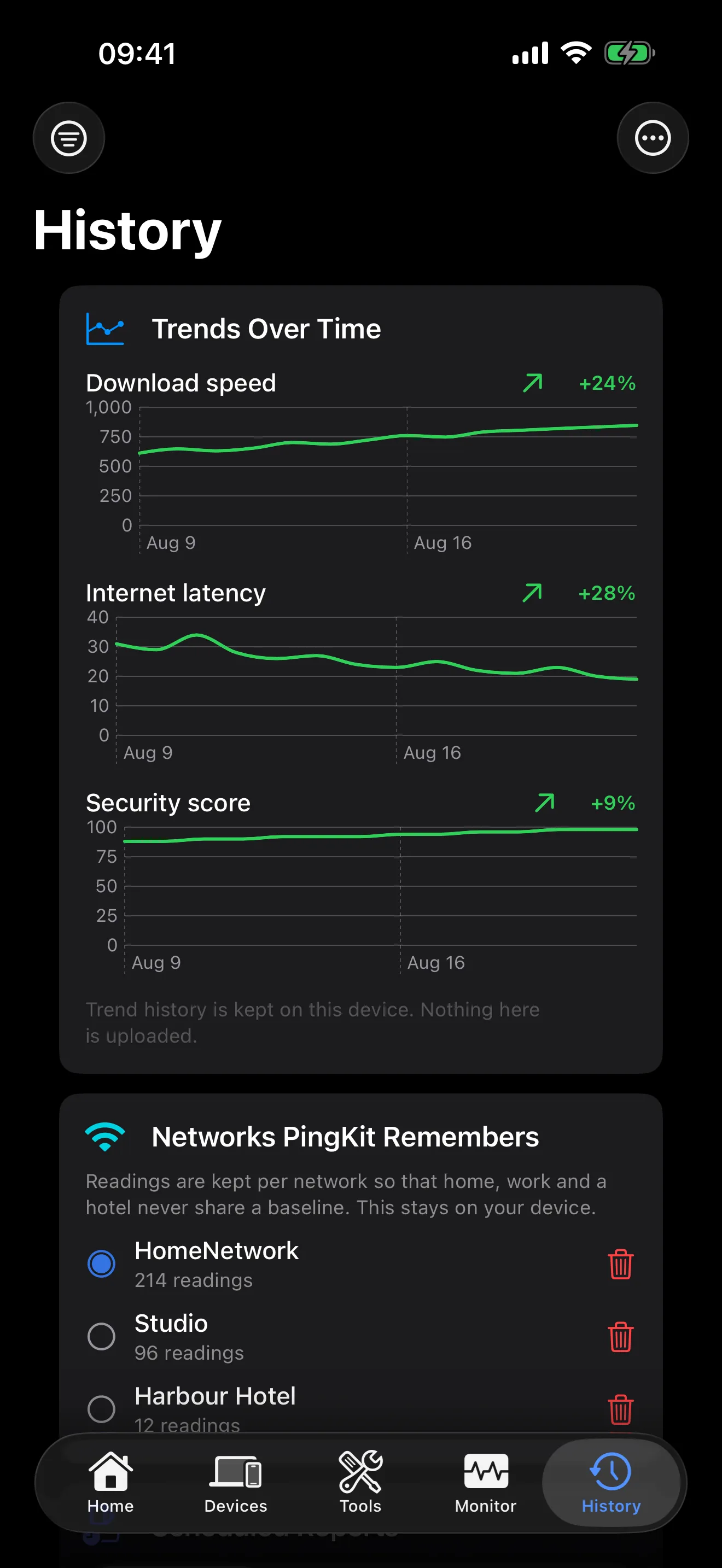
Guardian costs $2.99 a month or $24.99 a year, the same on iPhone and on Mac, with a one-week free trial. It puts the Mac Agent's devices, alert history, latency history and scheduled speed test results on your iPhone over iCloud, raises Uptime Watch from one URL to ten, adds per-network trend charts, and gives the AI assistant Apple Private Cloud Compute for questions too large for your iPhone to hold on its own. On iPhone, Guardian also gives you a short weekly report as a notification every Monday at 9:00 your time, which you can turn off in Info. PingKit is translated into 27 languages on every tier, and the AI is asked to answer in the language your device is set to.
Yes. All 19 diagnostic tools open free, with no ads and no account; Session Watch gives a free one-minute check and Guardian runs longer sessions, and Router's port-forwarding list is part of Guardian. The Mac Agent is a free download whose own scanning, device monitoring and LAN alerts cost nothing either. Guardian is the optional part: it brings the Agent's devices, alert history and timeline to your iPhone over iCloud, raises Uptime Watch from one website checked hourly to ten checked every five minutes, and gives the AI assistant Apple Private Cloud Compute for questions too large for your iPhone to hold on its own.
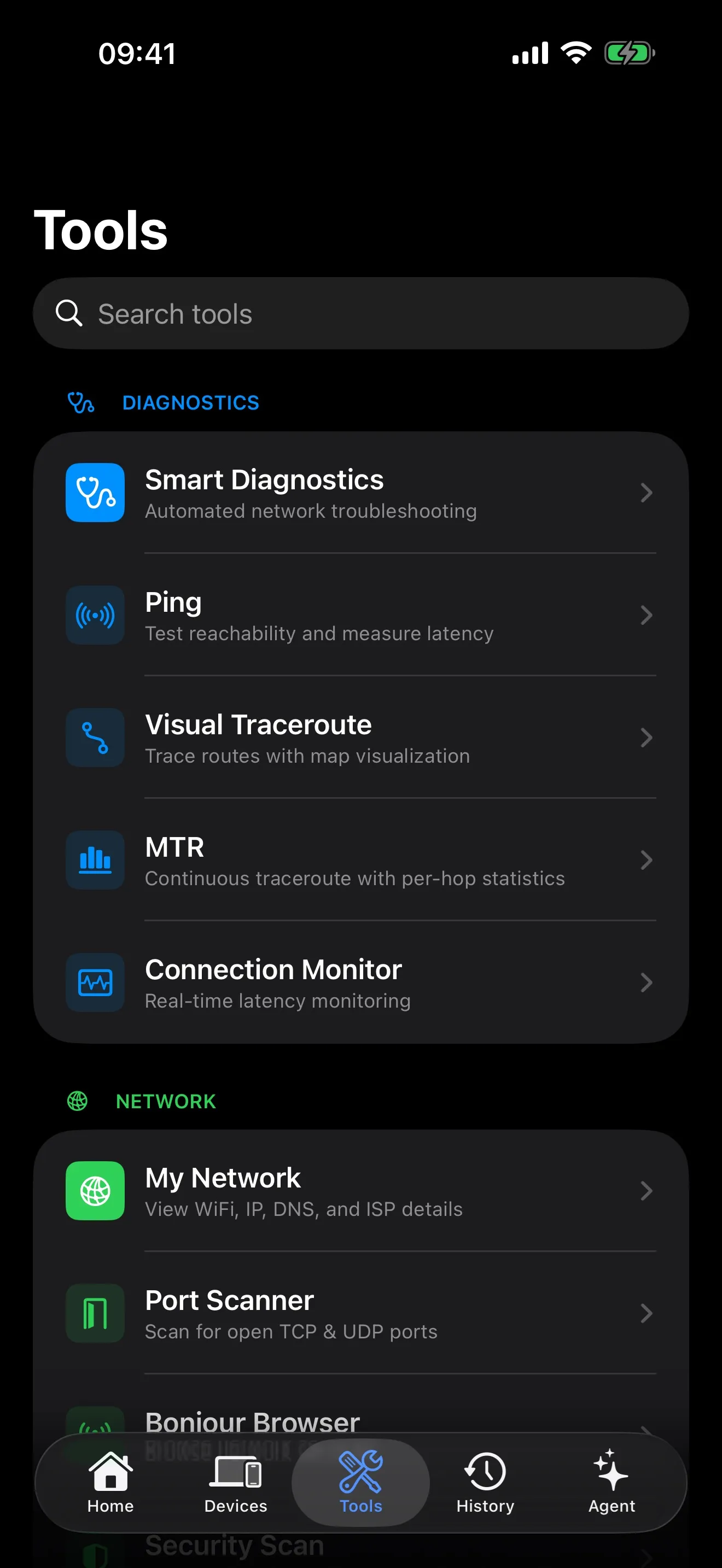
Nineteen, all on the Tools tab: Smart Diagnostics, Speed Test, Ping, Visual Traceroute, MTR, Session Watch, My Network, Port Scanner, Bonjour Browser, Security Scan, Router, DNS Lookup, Whois Lookup, IP Geolocation, SSL Inspector, HTTP Analyzer, Subnet Calculator, Wake-on-LAN and Network Interfaces. The device scanner on the Devices tab and Live Connection on the Monitor tab come on top of those. Every tool opens free; Session Watch gives a free one-minute check, and Router's list of what your router forwards is part of Guardian.
There is no account, no advertising and no cross-app tracking. The privacy manifest declares five kinds of data: a per-device identifier used as the AI quota key and as the address for certificate and uptime alerts; anonymous counts of how the app is used; the network details you send when you ask the AI to explain something; the email address you give for Guardian Plus email alerts; and your plan, its expiry and Apple's transaction ID, so the alert service knows your tier. The identifier, the email address and the plan are linked to that device's record on PingKit's alert service; none of it is used to follow you across other apps or websites. Some tools are lookups by nature and send what you ask about to a third party: Whois and IP Geolocation query public RDAP and IP databases, and the Security Scan asks Shodan's InternetDB what is visible on your own public IP from outside.
Only when it cannot be answered on your device, and only after you allow it. PingKit tries your iPhone's own on-device model first where Apple Intelligence is available; with Guardian it can then use Apple's Private Cloud Compute; only after that does it use PingKit's own service, and it asks your permission before anything is sent there. An answer written on the phone costs nothing and reaches nobody, including us. What goes to PingKit's service for an answer is a summary of your network that answers the question, such as connection type, speed, device counts and kinds and scan results, never a continuous feed; your Wi-Fi name, public IP address, hardware addresses and the names you gave your devices are not part of it. With Guardian, a device PingKit cannot recognise on its own can also be sent to that service for naming, with details it announces or answers with, such as its name, maker and open ports. Identify With Camera is different again: the photograph of a device's label is read on the iPhone by Apple's on-device model, with no cloud fallback and no way to add one, and it refuses to read Wi-Fi keys and network names.