PingKit vs Fing
Both scan your network and find every device. The real differences are breadth, ads, privacy, and what you pay. Here's an honest head-to-head from the team that makes PingKit.
Fing is the most popular network scanner on the App Store, and for good reason - it has the largest device-identification database in the category. We make PingKit, so we have a horse in this race, but the comparison below is written to be genuinely useful. Fing's column was checked against its App Store listing and pricing page on October 3, 2026. Competitor details change, so check the current Fing listing before deciding.
Feature-by-Feature
| Capability | PingKit | Fing |
|---|---|---|
| Device discovery | Yes (signature-based naming) | Yes (largest DB) |
| Port scanner | Yes, free | Yes |
| Security scan + score | Yes, free | Router check, from Starter ($3.99/mo) |
| Ping / traceroute / MTR | Yes, free | Ping and traceroute, no MTR |
| SSL / DNS / speed test tools | Yes (19 tools) | Partial |
| Free scans | Unlimited | Up to 3 a day |
| Background monitoring | Mac companion, while the Mac is awake (free) | Premium ($7.99/mo) with Fing Desktop, while the computer is on, or Fing Agent on a Pi, Docker or NAS |
| Ads | None | Yes on the free tier; removable from $0.99 |
| Account required | No | For most use |
| Price | Free; Guardian $2.99/mo | Free; Starter $3.99, Premium $7.99, Professional $16.99 a month |
Where Fing Wins
Fing's device-recognition database is the best in the category. If your priority is seeing exact brand and model names for obscure IoT gadgets - and you don't mind ads or the upsell to Fing Premium - Fing is hard to beat for that single job.
Where PingKit Wins
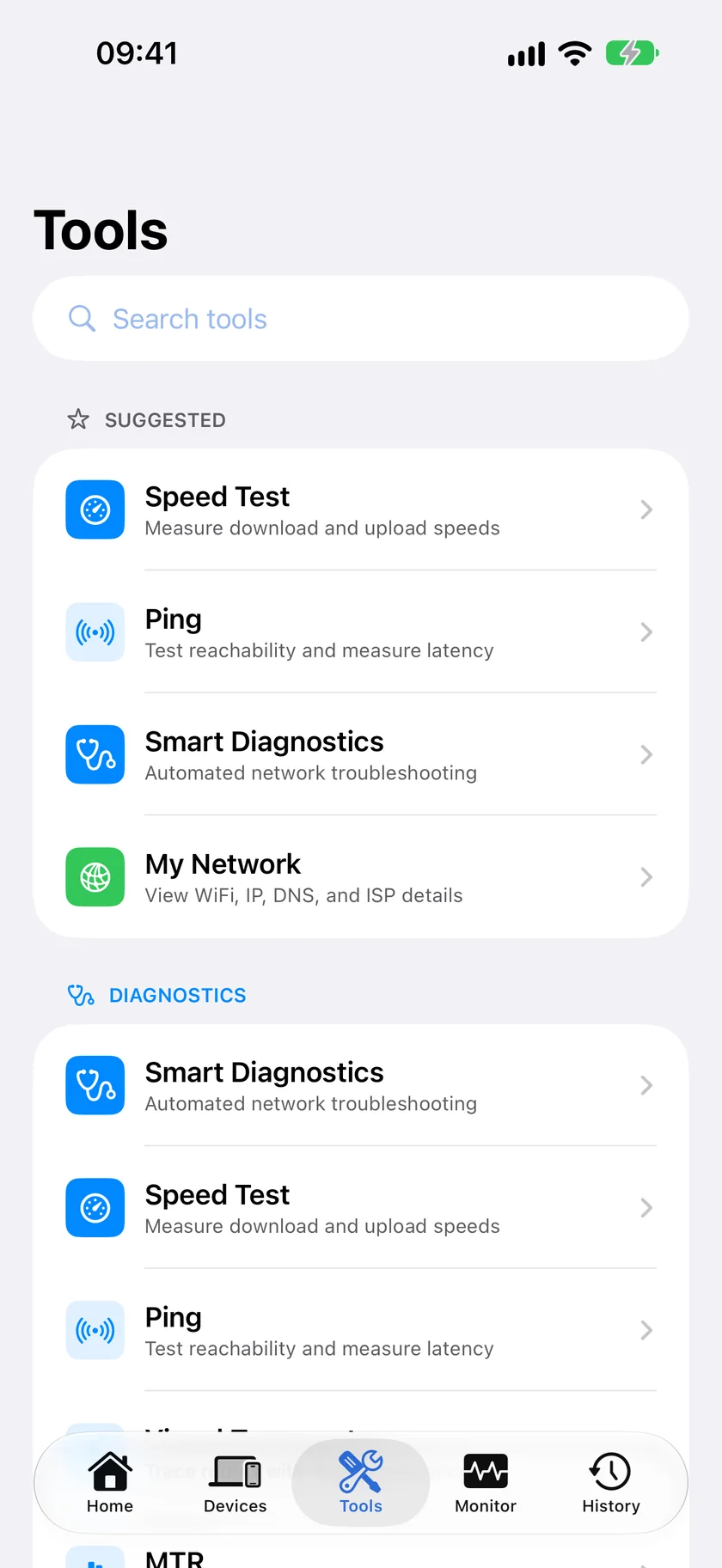
Breadth and a clean free tier. PingKit gives you security scanning, a port scanner, ping, traceroute, MTR, SSL inspection, DNS lookup, speed test, and 11 more tools - all free, no ads, no account. Findings come with optional AI explanations, and monitoring runs on a free Mac companion, while the Mac is awake, rather than on paid hardware or a separate subscription. Scans run on your device, and nothing leaves it unless you ask for an AI answer or a device lookup.
The privacy angle: PingKit keeps your network map on-device, and the Mac Agent's data reaches your iPhone only through your own private iCloud database, which we can't read. If that matters to you, it's a meaningful difference.
Which Should You Choose?
- Best device identification, don't mind ads: Fing.
- Widest free toolkit, no ads, privacy-first: PingKit.
- Want your network watched without buying hardware: PingKit's free Mac app, on a Mac that stays awake.
Looking at more than two apps? See our roundup of 5 Fing alternatives for iPhone. Deciding between the two subscriptions? Fing Premium vs PingKit Guardian puts them side by side on what each monitors and what each needs running.
More Comparisons
- PingKit vs Fingbox
- PingKit vs iNet
- PingKit vs Scany
- PingKit vs Network Analyzer
- Fing Alternatives for iPhone (2026): 5 Network Scanners Compared
- Fing Premium vs PingKit Guardian (2026): What Each Subscription Monitors
- Every PingKit comparison
Try PingKit Free
19 network tools, on-device device ID, no ads, no account. See how it compares for yourself.
Download PingKit Free