PingKit vs iNet
iNet is one of the few network scanners with both a Mac and an iPhone app, with strong Wake on LAN. PingKit also spans iPhone, iPad and Mac - but its Mac Agent can sync to the iPhone over iCloud with Guardian, monitors in the background from a Mac, and the toolkit is free with no ads. Here's an honest head-to-head from the PingKit team.
All 19 tools are free on iPhone. No ads, no account.
iNet (by BananaGlue) has a clean, Apple-style design and a loyal following, especially among people who like its Wake on LAN and Bonjour features. We make PingKit, so we have a horse in this race, but the comparison below aims to be genuinely useful. App details change, so check the current iNet listings before you decide.
Feature-by-Feature
| Capability | PingKit | iNet |
|---|---|---|
| iPhone + Mac apps | Yes (with Guardian, Mac Agent to iPhone via iCloud) | Yes (no sync) |
| LAN device discovery | Yes (many named from what they announce) | Yes |
| Wake on LAN | Yes, free on your local network; with Guardian, from anywhere through PingKit Agent on a Mac at home that is awake | Yes |
| Bonjour / mDNS browser | Yes, free (iPhone and iPad) | Yes |
| Port scanner | Yes, free | Yes |
| Speed test | Yes, free | No |
| Security scan + score | Yes, free | No |
| Background monitoring + alerts | Mac companion (free) | No |
| AI explanations of findings | Yes (free) | No |
| Price | Free + optional Guardian from $2.99/mo (iPhone or Mac) | Free scan on iOS with a $9.99 iNet Pro upgrade / $24.99 one-time on Mac (as listed October 18, 2026) |
Where iNet Wins
iNet has a long history of doing the Apple-ecosystem basics well: a tidy device list, customizable device names and icons, a solid Wake on LAN implementation, and quick connection shortcuts (SSH, VNC, HTTP). If you specifically want a one-time-purchase Mac scanner and value its established design, iNet is a reasonable pick.
Where PingKit Wins
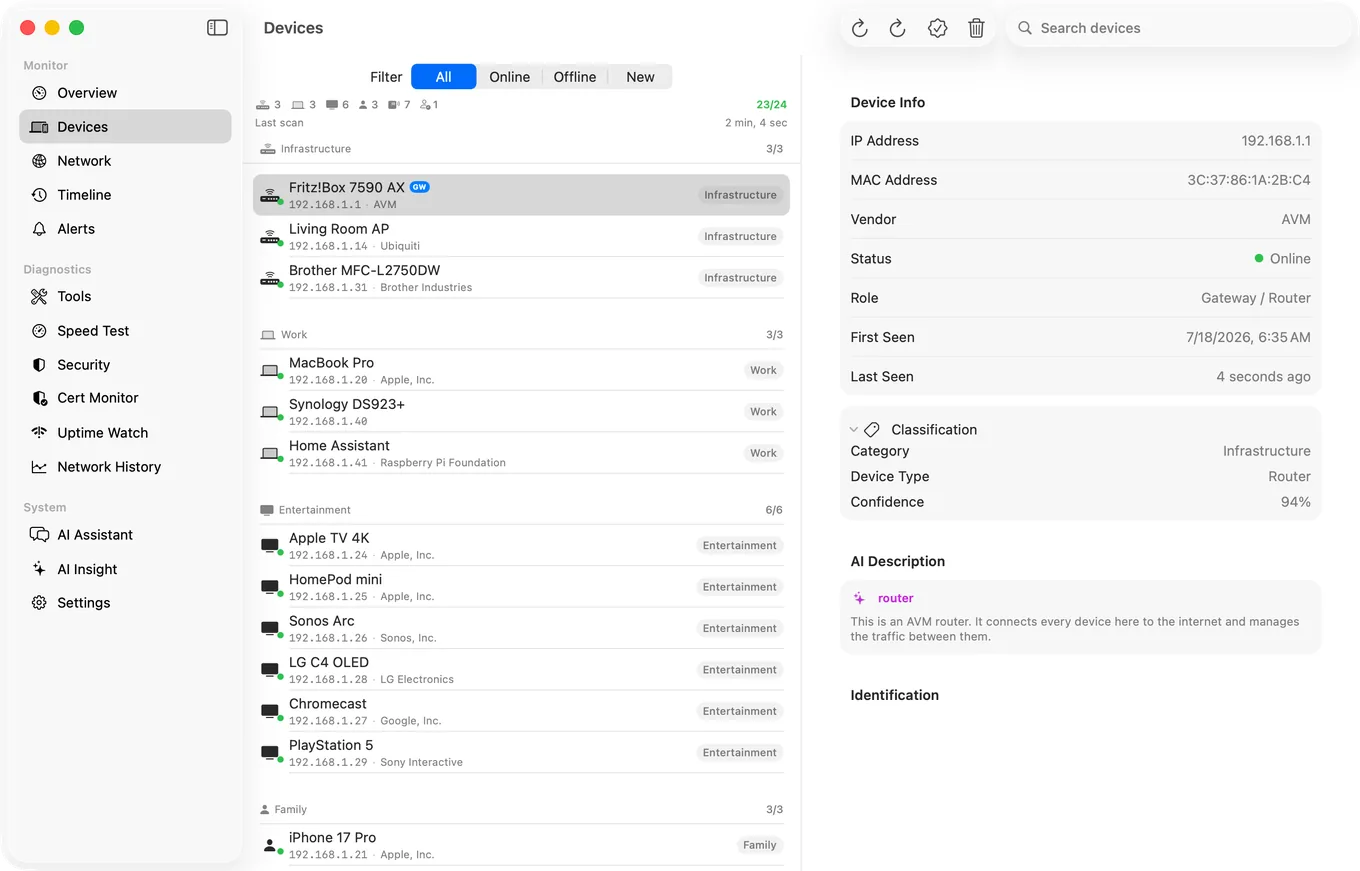
Two big things: sync and monitoring. iNet's iPhone and Mac apps are separate and don't sync over iCloud (as of July 2026). With Guardian, PingKit's Mac Agent sends its devices, timeline, alerts and speed tests to the iOS app through your private iCloud, so the Mac's picture of the network follows you; the iPhone's own scans stay on the iPhone. PingKit's Mac Agent also keeps watching the network whenever the Mac is awake, with new-device and outage alerts - iNet only scans when you tap. On top of that you get a speed test, security scan with a score, Wake on LAN, MTR, SSL inspection and more - all free, no ads, no account.
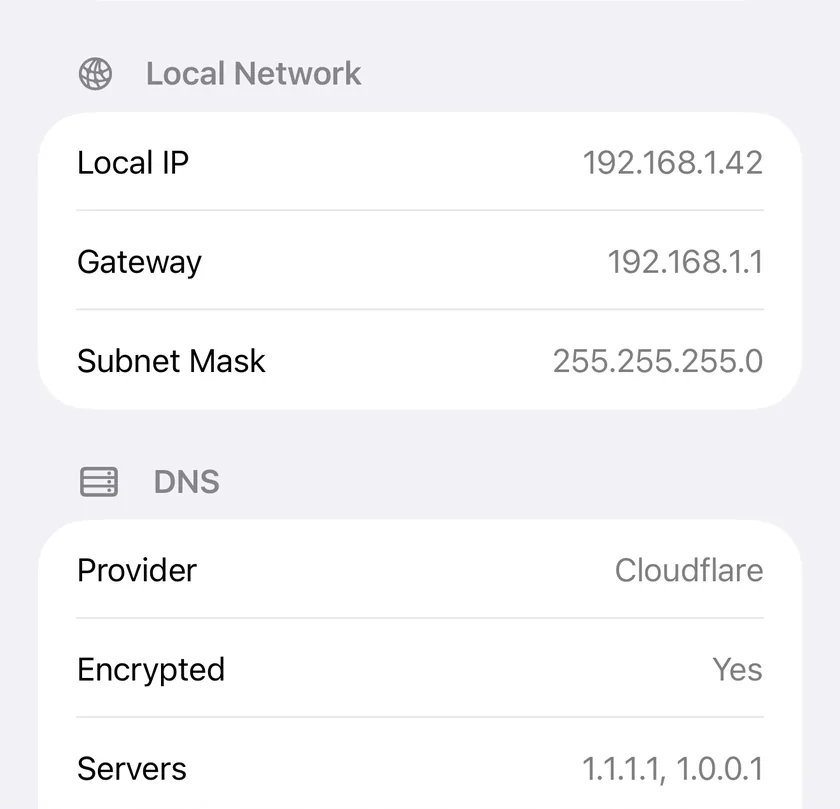
The sync angle: If you live across an iPhone and a Mac, iNet asks you to scan twice and keep two separate device lists. With Guardian, PingKit puts the Mac Agent's device list on your iPhone too, privately through iCloud, so the Mac's scan is one you can read on both.
Which Should You Choose?
- Want a one-time-purchase Mac scanner with classic design: iNet.
- Want the Mac's device list on your iPhone through iCloud, with a free toolkit: PingKit (the sync needs Guardian).
- Want background monitoring and alerts on your iPhone: PingKit Guardian, with the free PingKit Mac app watching your network while the Mac is awake.
Looking wider? See our best network tools for iPhone roundup.
More Comparisons
- PingKit vs Fing
- PingKit vs Scany
- PingKit vs Network Analyzer
- PingKit vs LanScan
- Best Network & LAN Scanner Apps for iPhone (2026)
- How to Find All Devices on Your WiFi Network
- Every PingKit comparison
Try PingKit Free
19 network tools on iPhone and iPad and 8 on the Mac, no ads, no account.
Download PingKit Free