PingKit vs Speedtest by Ookla
Speedtest is the most recognized name in this category, and deservedly so. This isn't really an apples-to-apples fight - it's one excellent specialist tool against a broader free kit that happens to include a speed test.
Speedtest by Ookla is, by most measures, the default speed test app: roughly 4.5 stars across 28,000+ ratings, a huge global network of test servers, and a straightforward $0.99 one-time purchase to remove ads. We cover Speedtest more broadly, alongside Fast.com, in our best speed test apps roundup - this page is a narrower, deeper look at Speedtest specifically against PingKit.
Feature-by-Feature
| Capability | PingKit | Speedtest by Ookla |
|---|---|---|
| Download / upload speed test | Yes, free | Yes, free |
| Ping / jitter in the speed test | Yes, free | Yes, free (3-stage ping) |
| Global test-server network | Nearby servers, 6 parallel connections | Very large, manual server choice |
| Historical results / maps | Not offered | Yes (Speedtest Maps) |
| Device discovery / security scan | Yes, free | Not offered |
| Port scanner / SSL inspector / DNS / Whois | Yes, free (19 tools) | Not offered |
| Ping / traceroute / MTR for diagnosis | Yes, free | Not offered |
| 24/7 monitoring + alerts | Free Mac Agent + Guardian $2.99/mo | Not offered |
| Ads | None | Free tier only |
| Ad-free price | Always free | $0.99 one-time |
Where Speedtest Wins
Scale and focus. Ookla operates one of the largest speed-test server networks in the world, lets you pick a specific server manually, tracks results over time with Speedtest Maps, and its $0.99 ad-removal is cheap enough that price barely factors into the decision. If speed testing is genuinely the only thing you need from an app, Speedtest is a well-built, trustworthy default - our full breakdown of its methodology is in the speed test apps roundup.
Where PingKit Wins
What happens after the number. PingKit's Speed Test uses 6 parallel connections against nearby servers - our deep dive on that design choice explains why - and it's free with no ads by default, no $0.99 required. More importantly, it's one of 19 tools: if a result looks slow, you can immediately run ping, traceroute, or check for bufferbloat in the same app, without switching to something else to figure out why. Speedtest tells you a number; PingKit helps you understand it.
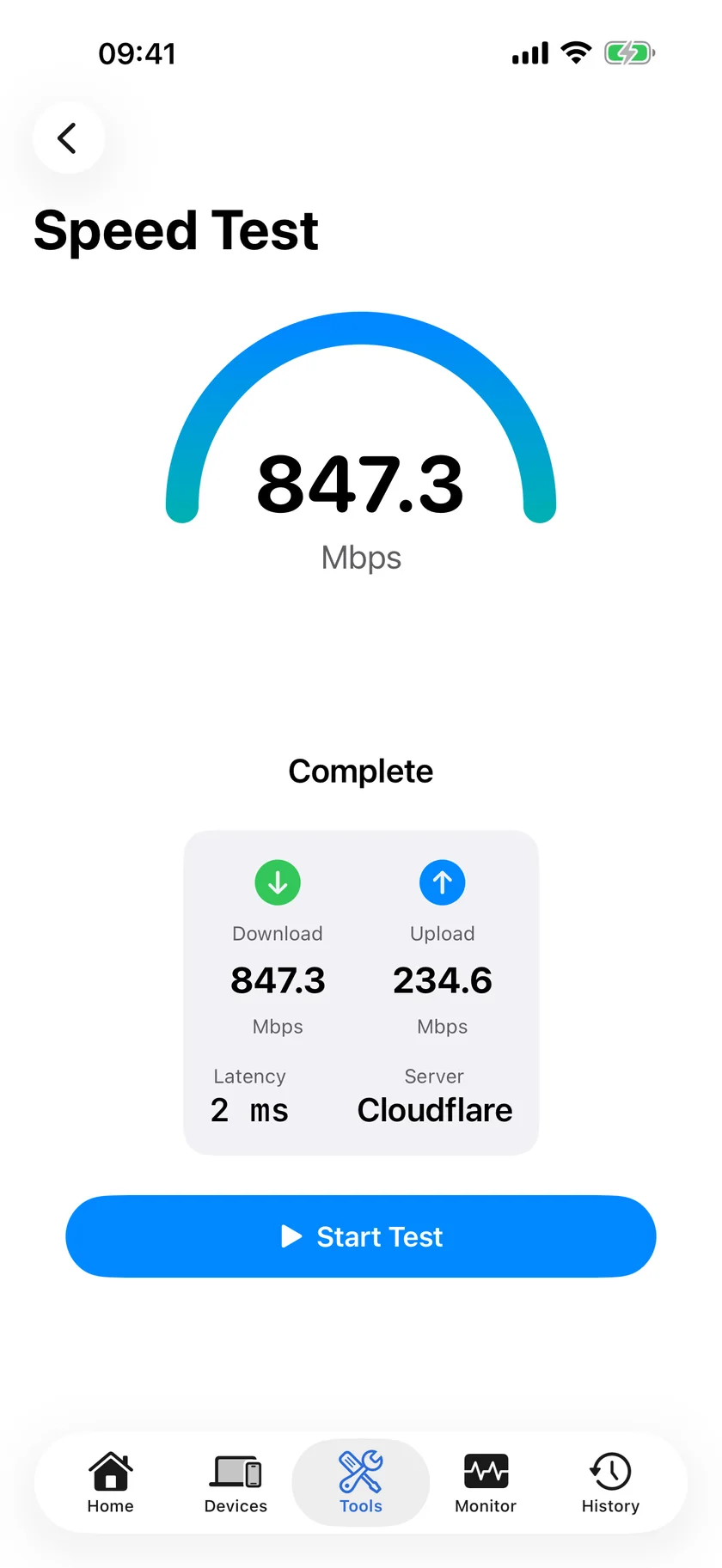
The "why is it slow" problem: A speed test number alone rarely tells you what's wrong. Low download but fine ping usually points to your ISP or WiFi band; high ping with fine download usually points to routing or a busy network. Speedtest stops at the number - PingKit's other tools are built to answer the next question.
Which Should You Choose?
- You only need a speed test, want maximum server choice, and don't mind $0.99 for ad-free: Speedtest.
- You want a free speed test with no ads, plus the tools to diagnose a bad result: PingKit.
- You want 24/7 monitoring that alerts you to outages and slowdowns automatically: PingKit Guardian + the free Mac app.
More Comparisons
- PingKit vs PingPlotter
- PingKit vs NetSpot
- PingKit vs WiFi Explorer
- PingKit vs Fing
- Best Speed Test Apps for iPhone (2026)
- Why PingKit Uses 6 Parallel Connections for Speed Tests
- Every PingKit comparison
Try PingKit Free
A 6-connection speed test plus 18 more diagnostic tools, no ads, ever.
Download PingKit Free