How to Test WiFi Speed Before Signing an Apartment Lease
"Fast WiFi included" shows up in a lot of listings, and it means almost nothing on its own. If you work from home, stream, or just don't want to fight a buffering wheel every evening, five minutes during the viewing beats finding out after you've signed a 12-month lease.
If the Unit Already Has WiFi Active
Ask the leasing agent for the network name and password before the viewing, or look for a router with a label showing the default credentials. Once connected, run Speed Test from a few different spots in the unit, not just standing next to the router - the bedroom, the spot where a desk would go, wherever you'd actually be using it day to day. A router in the living room can leave a back bedroom with a fraction of the signal, and that's the room you'll be in.
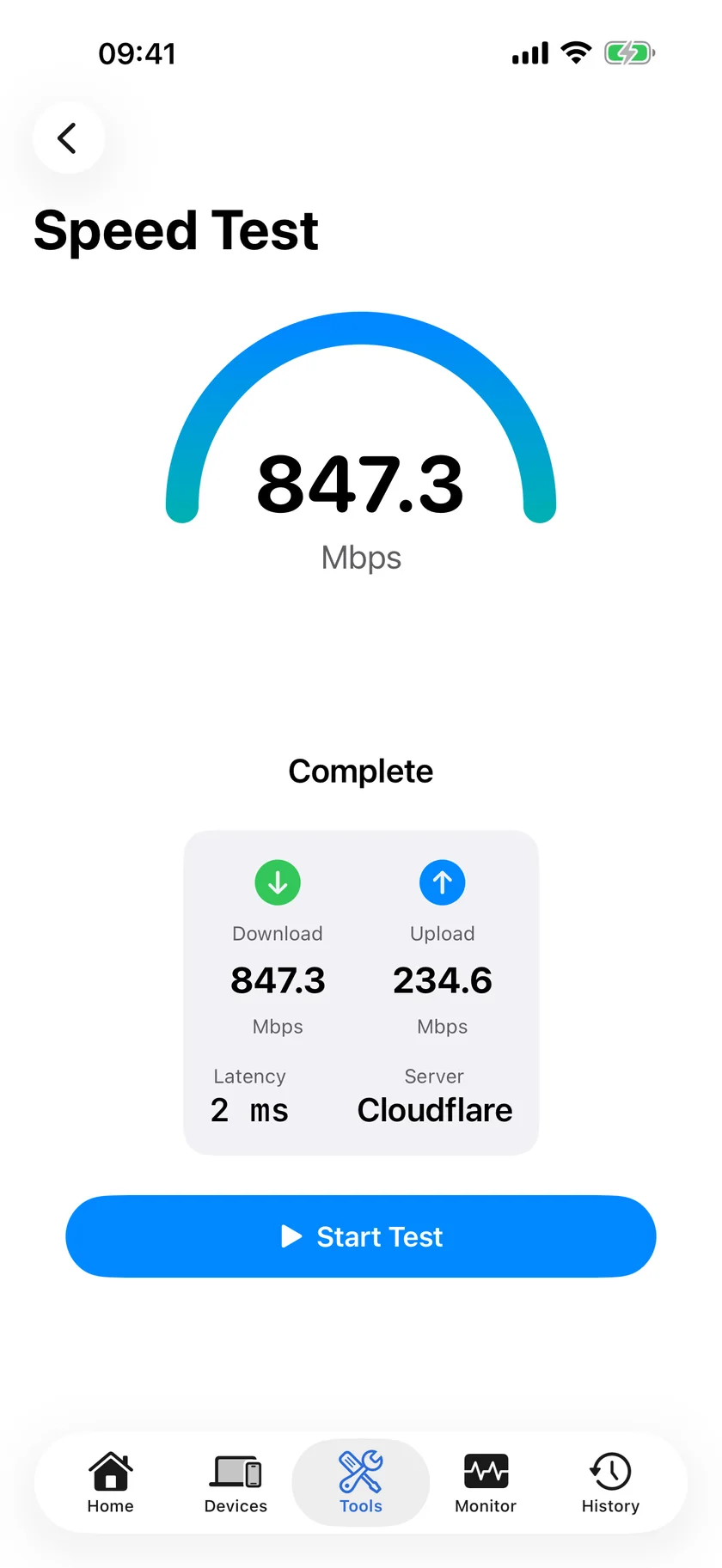
One test isn't enough. If you can, test at a different time of day than your viewing - evening congestion, especially in larger buildings sharing bandwidth, can look very different from a quiet weekday afternoon.
If the Unit Isn't Hooked Up Yet
You can't test what doesn't exist yet, but you're not out of options. Check WiFi Analyzer for how many other networks are visible and how crowded the WiFi channels already are in the building - heavy congestion from neighboring units is a real factor in an apartment building regardless of your own plan. Check your phone's cellular signal at the unit too, useful as a backup if the internet ever goes down. And ask directly which ISPs actually serve the building, not just whichever one the landlord has a relationship with - availability and typical speeds for a specific address are usually listed on a provider's own site before you commit.
What "Fast Enough" Actually Means
The right number depends on how many people and devices are sharing it. HD streaming comfortably runs on 15-25 Mbps per stream; video calls need less. A household with a couple of people running 4K streaming, gaming, and video calls simultaneously benefits from 100+ Mbps to avoid everything degrading at once. The number that matters is what you measure in the actual unit - not what's advertised for the building, and not what a landlord tells you verbally.
Questions Worth Asking Before You Sign
- Is the WiFi a dedicated connection to my unit, or shared bandwidth across the building?
- What's the actual advertised speed tier, in writing, not just "fast"?
- Who do I contact if it's slow after move-in, the landlord or the ISP directly?
- Can I bring my own ISP if the included one turns out to be inadequate?
If WiFi genuinely matters to your day-to-day, get the answer in writing. A landlord's description of "fast" is marketing, not a specification.
Related Articles
- Network Reports and Evidence PDFs
- Is My Internet Speed Normal? Network Baselines
- Is It Your WiFi, Your Router, or Your ISP?
- How to Fix Slow WiFi on iPhone
- Speed Test App for iPhone
- Know When the Rental's WiFi Goes Down Before the Guest Tells You
Test Any Unit's WiFi Before You Sign
Speed Test, WiFi Analyzer, and 17 more free tools. No account, no ads.
Download PingKit