PingKit for Travelers
Hotel WiFi that crawls, airport networks you've never heard of, cafe WiFi with a captive portal you clicked through without reading. PingKit gives you a quick way to check what you just joined before you trust it with anything.
The Tools You'll Reach For
| Situation | PingKit tool |
|---|---|
| Just joined an unfamiliar network | My Network (the router and DNS servers this network gave you) |
| Paid for "premium" hotel WiFi | Speed Test |
| A login/payment page looks off | SSL Inspector |
| Checking who's behind a suspicious domain | Whois Lookup |
| Weak signal in your room or gate | WiFi Analyzer |
| Connection keeps dropping mid-call | Connection Monitor |
Before You Trust a New Network
- Look at what the network gave you with My Network after connecting: the router's address, the DNS servers it hands out and their privacy rating, and your public address, a useful first read before you do anything sensitive. Keep the Security Scan for networks you own, because it checks the router itself.
- Check the login page with SSL Inspector if a hotel or airport captive portal asks for payment details. A valid, current certificate from a plausible issuer is a basic sanity check, not a guarantee, but the absence of one is a clear red flag.
- Confirm paid WiFi is actually delivering with Speed Test. "Premium" hotel WiFi that tests at a fraction of the advertised speed is common enough to be worth checking before you accept the upsell next time.
Do you need a VPN for this? Maybe, but PingKit doesn't include one - it's a diagnostic toolkit, not a VPN. Modern HTTPS already protects most of what a VPN would on public WiFi. See our full breakdown in Do You Need a VPN? and Is Public WiFi Safe? for the real risks and a pre-connect checklist.
When You're Back Home
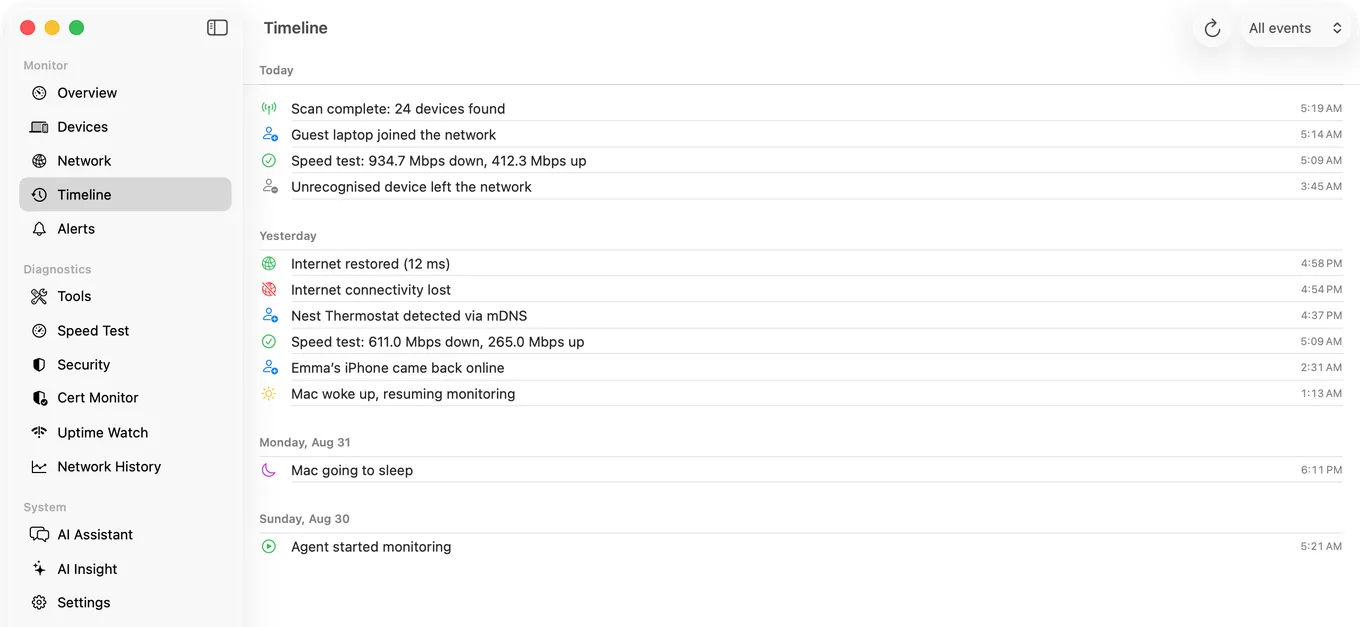
The same checks apply to your own network, minus the uncertainty of who else is on it. If you want PingKit watching your home connection while you're away, the free Mac Agent runs on a Mac left awake at home, or PingKit Agent on a Raspberry Pi or NAS that stays on, and records outages and latency even while your iPhone is off the network, useful for confirming whether a problem at home started before or after you left.
Related Use Cases
Check Any Network Before You Trust It
19 free network tools, no ads, no account.
Download PingKit Free