PingKit App Screenshots
PingKit - AI Network Assistant & WiFi Analyzer for iPhone, iPad & Mac
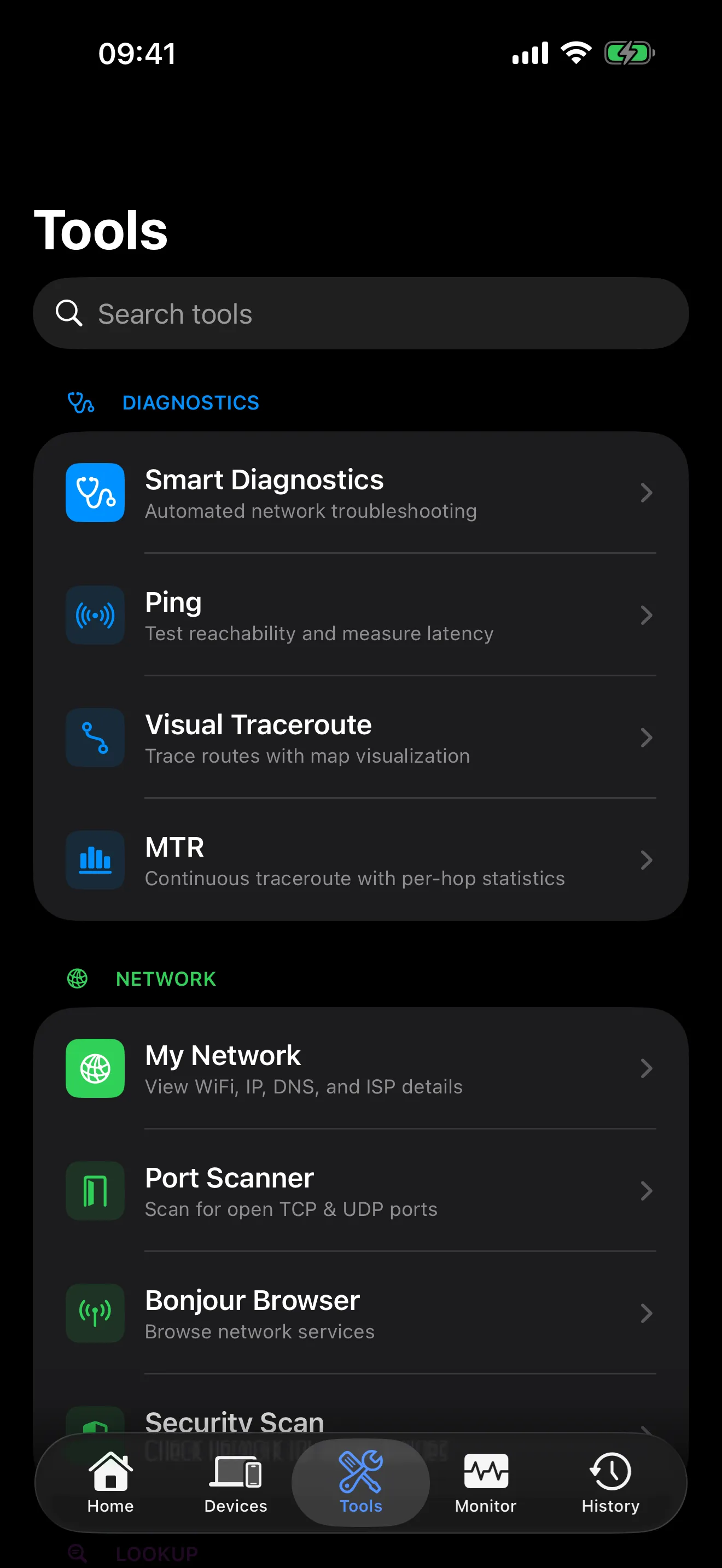
Ask your network anything. PingKit uses AI to explain your WiFi, fix security issues, and identify every device — in plain English. Plus 19 professional tools, completely free.
Requires iOS 17.0 or later. All 19 tools free, forever. No account required.
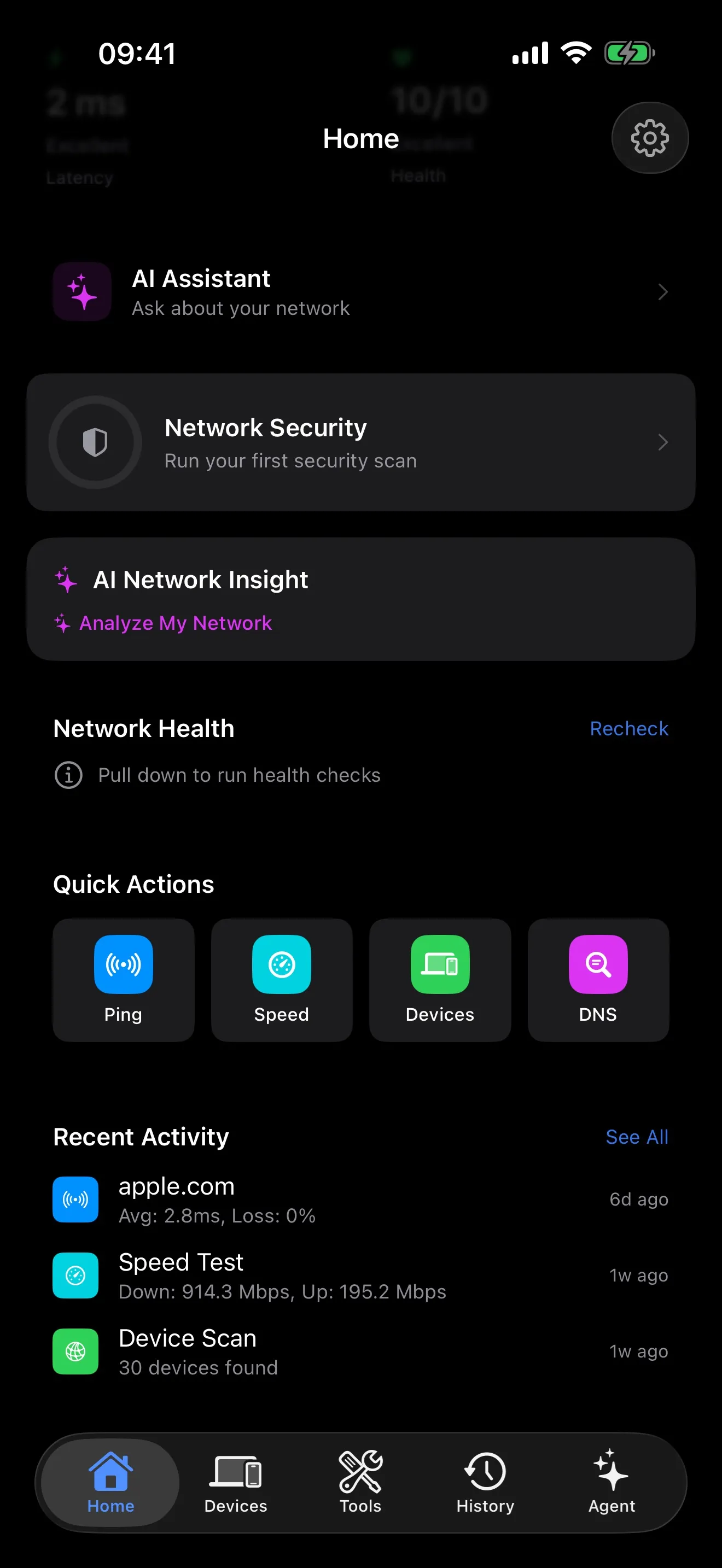
The most complete free network diagnostic toolkit on iOS — no subscriptions, no limits, no ads.
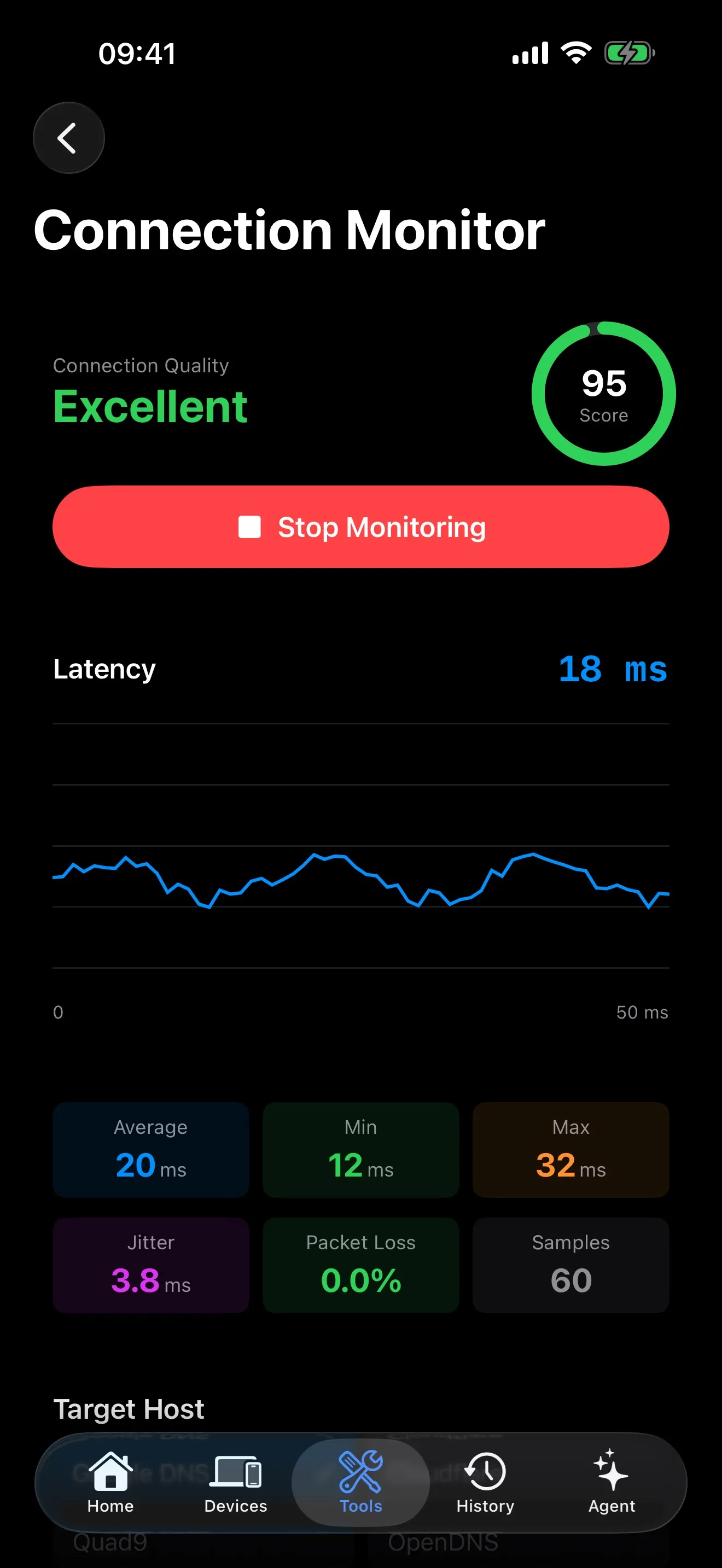
Real-time latency stats, packet loss tracking, and detailed graphs for any host.
Multi-connection download and upload measurement. Know your true speeds.
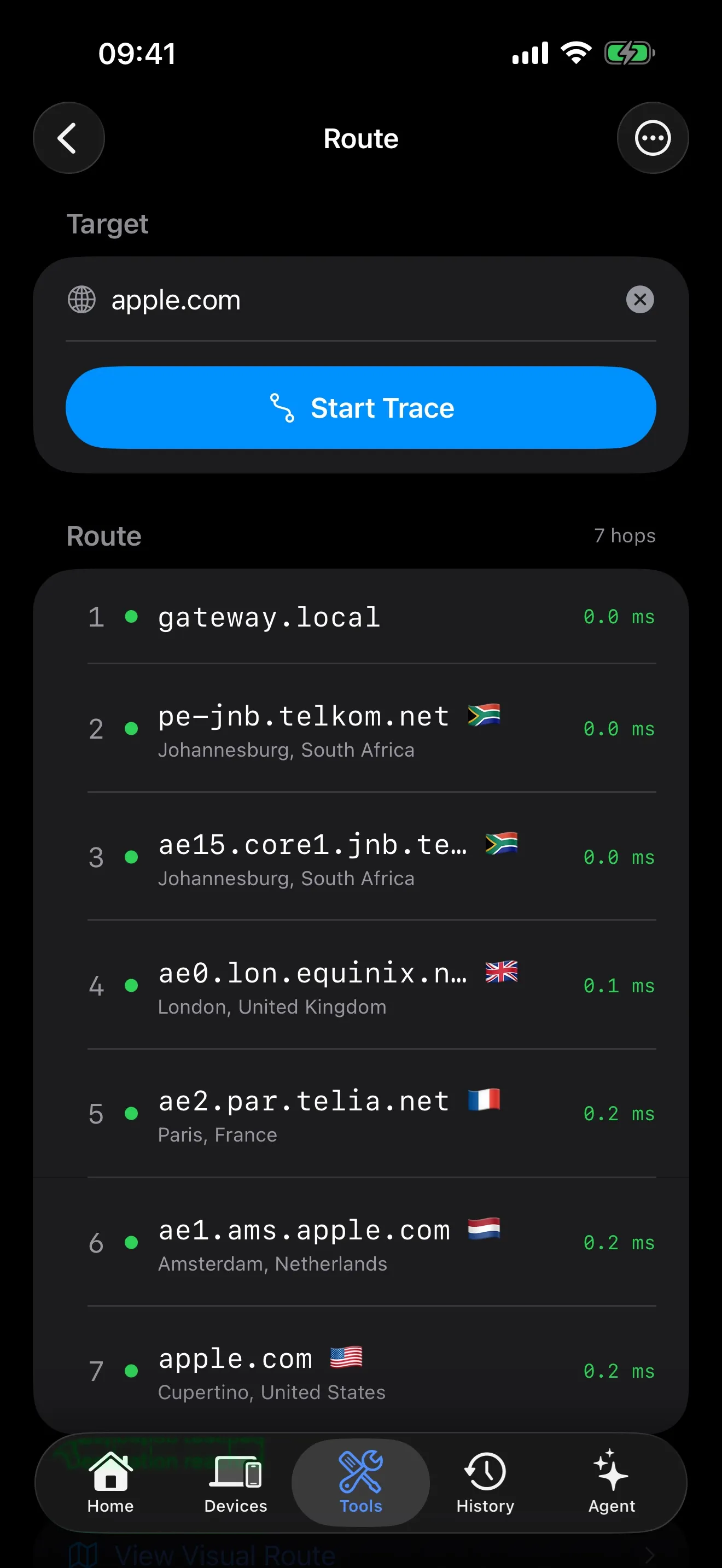
Trace network routes on an interactive map with hop-by-hop detail.
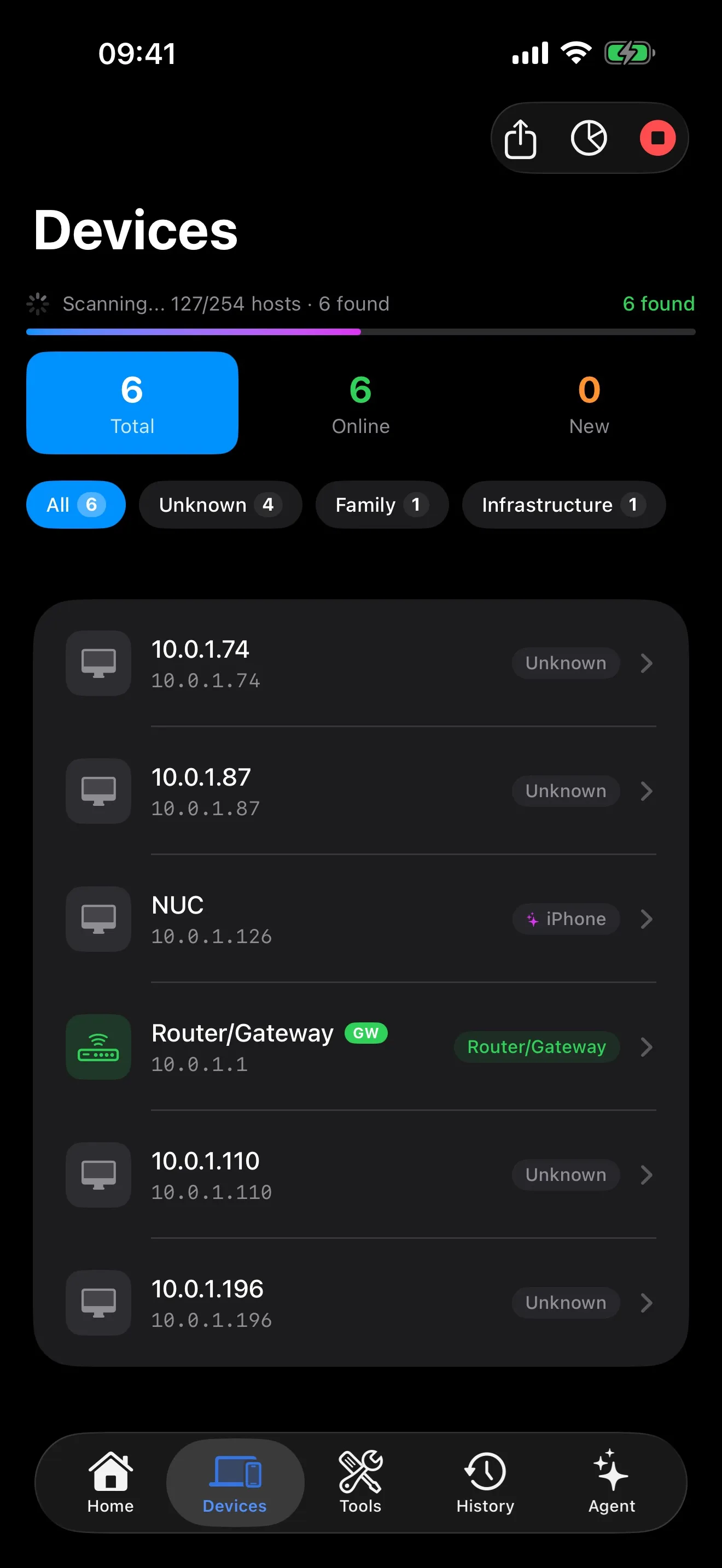
Find every device on your network with IP, hostname, vendor, and ML-powered identification.
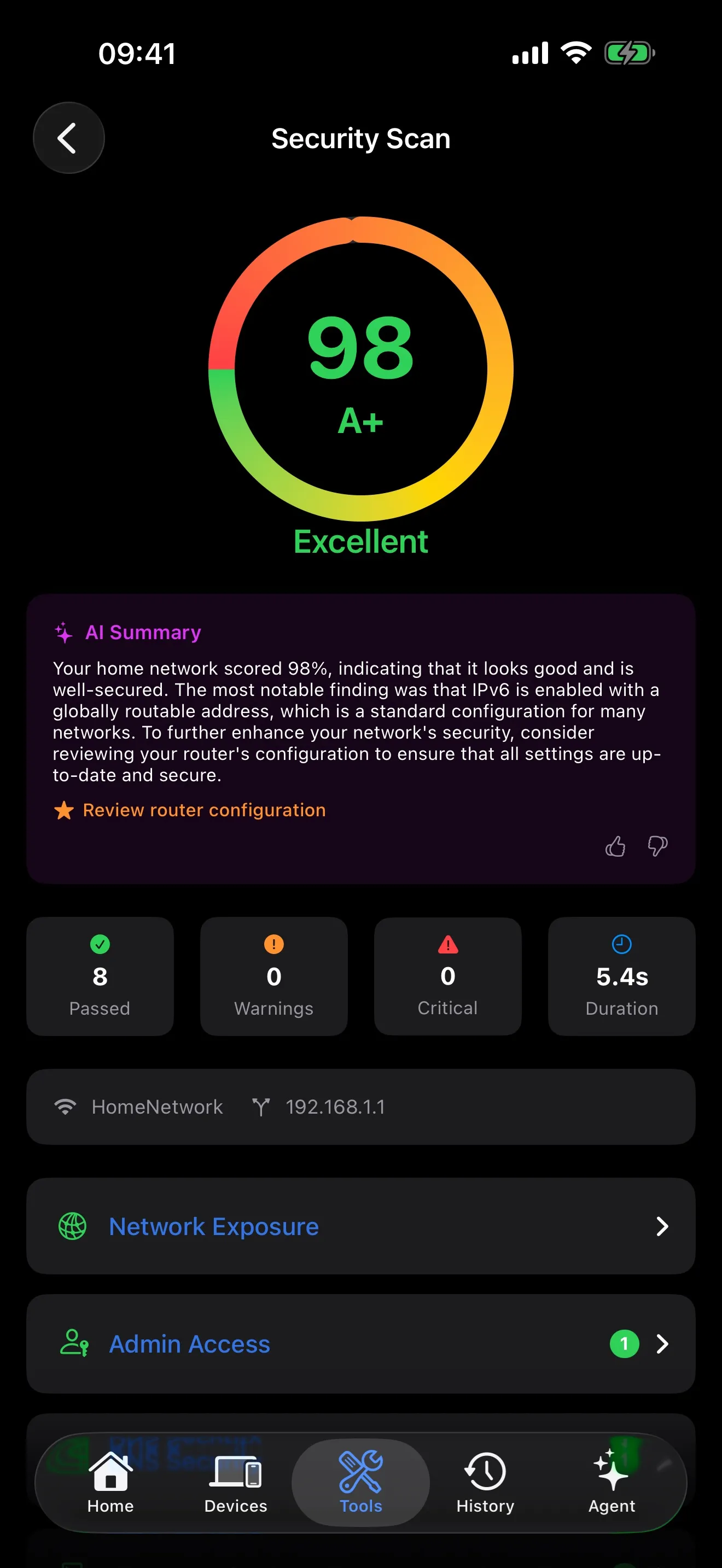
Check your network for common vulnerabilities and security misconfigurations.
Scan for open ports and identify running services on any host.
Continuous traceroute with real-time per-hop latency and packet loss statistics.
View your IP addresses, gateway, DNS servers, and active interfaces at a glance.
Query A, AAAA, MX, TXT, CNAME, and other DNS record types.
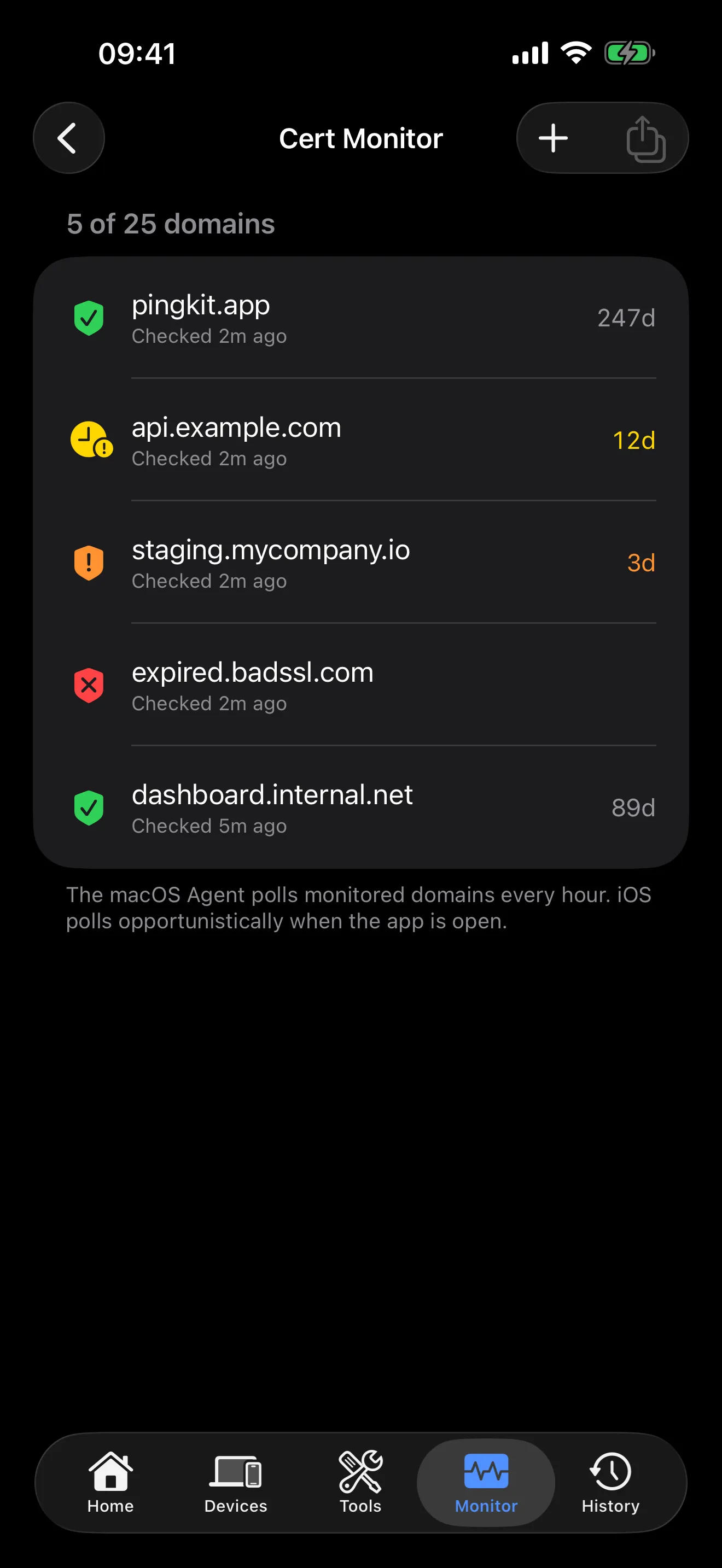
Inspect certificates, check expiration, and view cipher suites.
Domain and IP ownership info with geographic location on an interactive map.
Locate any IP on a map with ISP, ASN, and geographic details.
Power on your computers remotely. Save devices for quick access.
Live latency graphs and stability scores for real-time monitoring.
Inspect headers, debug requests, and measure response times.
One-tap automated network analysis with actionable recommendations.
Calculate network ranges, convert CIDR notation, and plan IP addressing.
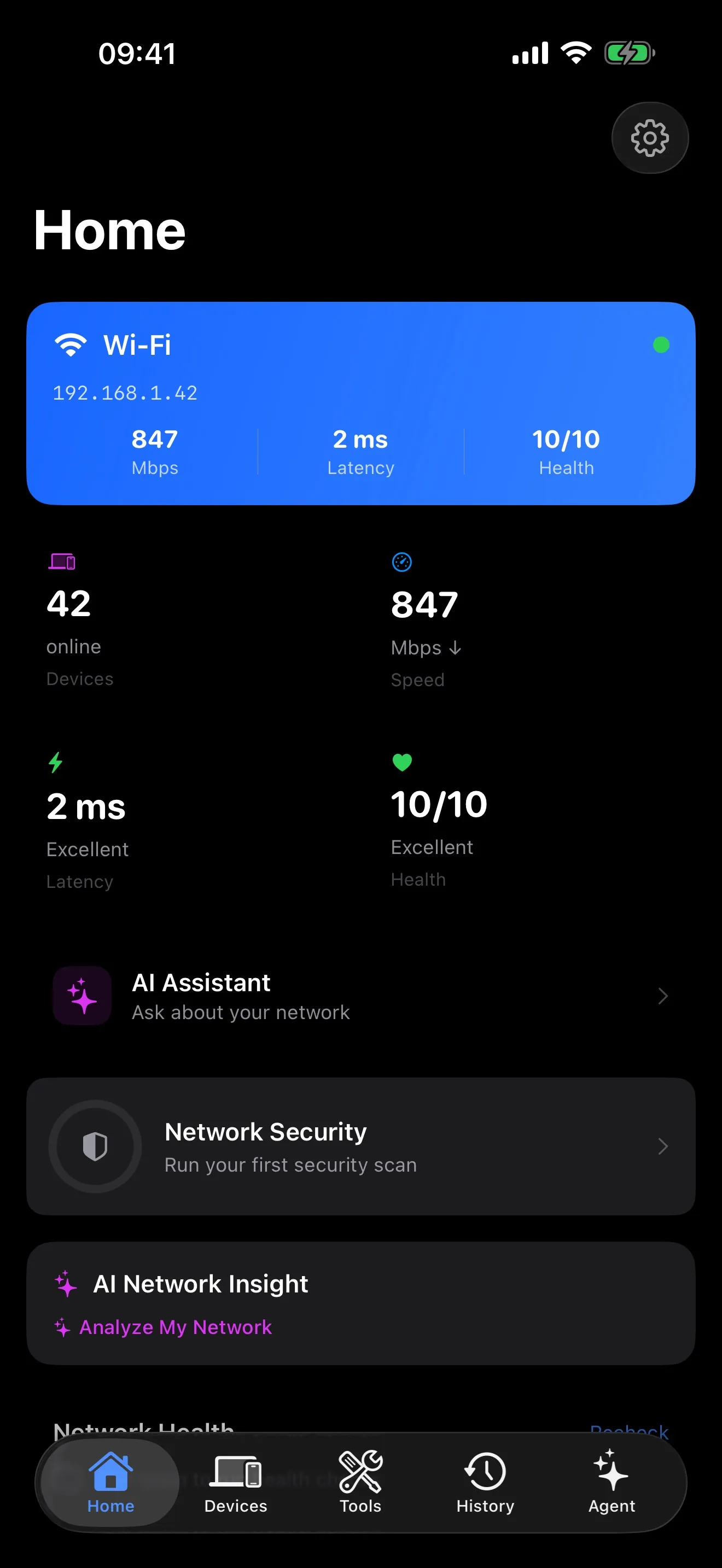
Your complete network at a glance — WiFi details, gateway, DNS servers, ISP, and public IP.
Discover Bonjour/mDNS services on your local network.
AI network intelligence. 24/7 Mac monitoring. Smart alerts. One subscription.
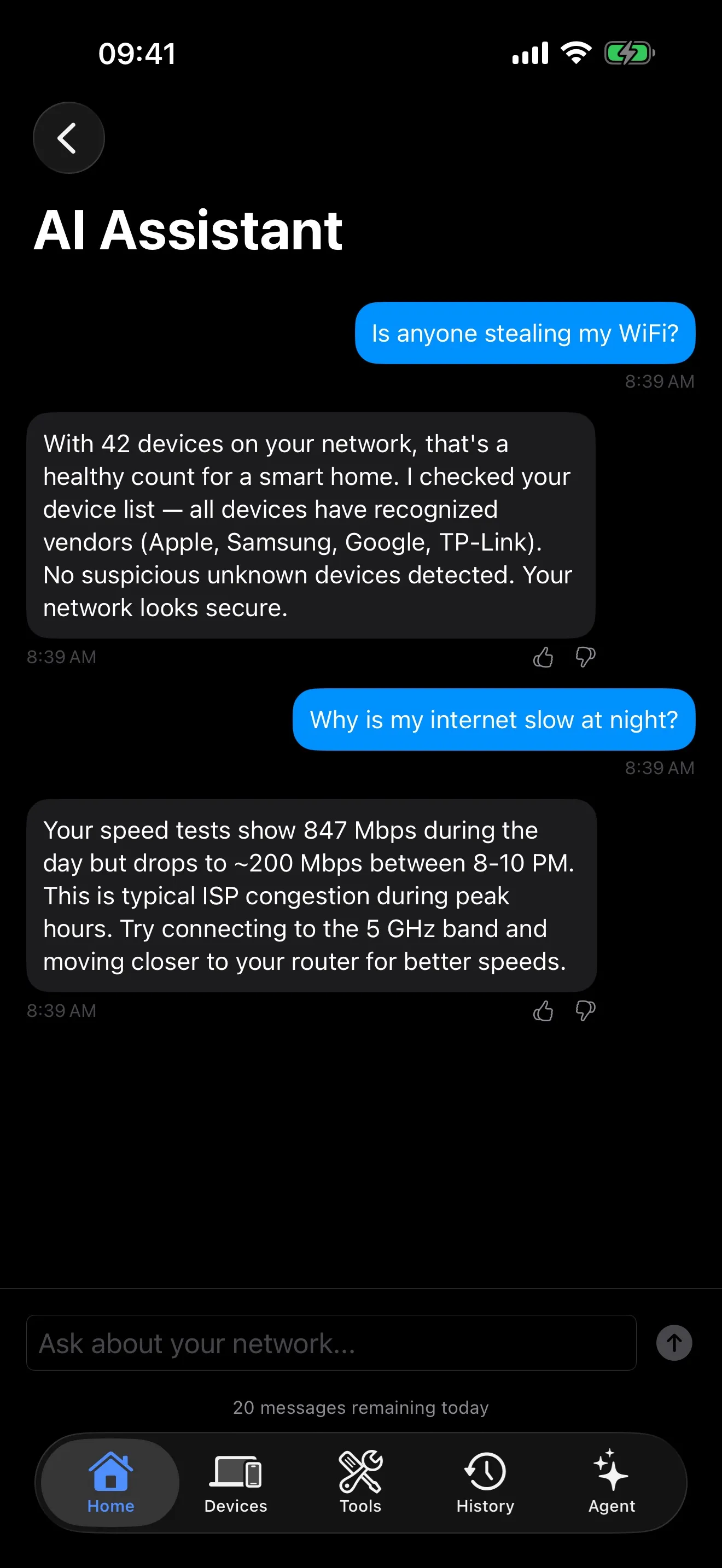
Ask “Why is my WiFi slow?” and get a real answer. Your network, explained in plain English.
Tap any security finding for a clear explanation and step-by-step fix. No jargon, just action.
AI automatically identifies every device — your iPhone, smart TV, robot vacuum — each gets the right label.
Always-on network monitoring from your Mac's menu bar. Launches at login, runs silently.
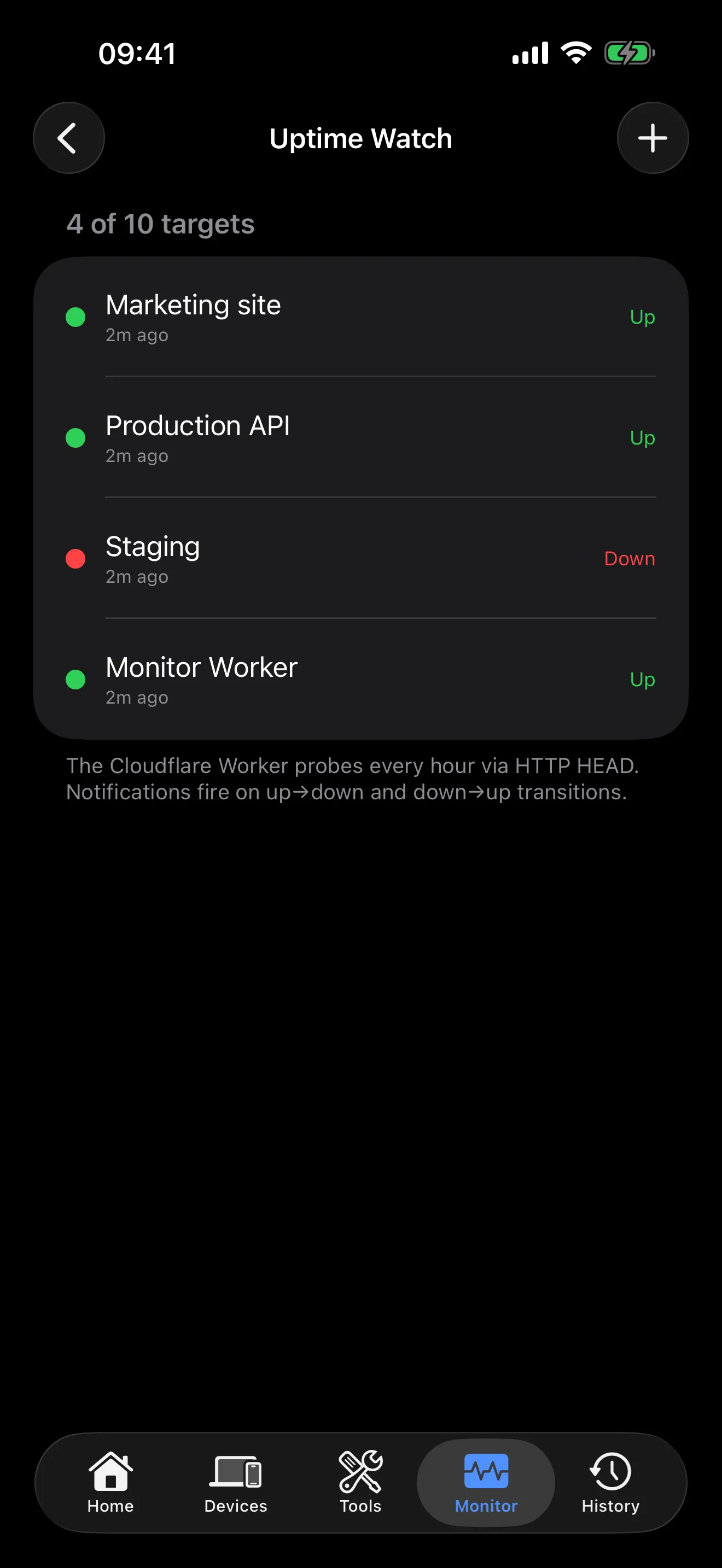
Monitor your endpoints with HTTPS health checks. Get instant push notifications when a service goes down or comes back up.
Know instantly when a new device joins, your internet drops, or something looks off.
Everything syncs to your iPhone via iCloud — check on your network from anywhere.
Get a plain-English summary after every security scan. Understand your network health at a glance.
AI responds in your language. English, Spanish, German, French, Japanese, Korean, Chinese, Arabic, Thai, and 18 more.
or $24.99/year (save 30%). 1-week free trial. Cancel anytime.
All 19 iOS tools are free forever — Guardian adds AI intelligence, Mac monitoring, and smart alerts.
All diagnostics run locally on your device. No accounts, no tracking, no data collection.
AI features send anonymous network data to our secure servers for analysis — never personal information, browsing history, or account details.
Tips, guides, and deep dives on networking and security.
How PingKit 1.3.2 uses AI to explain your network in plain English and fix security issues automatically.
Step-by-step guide to diagnosing and fixing slow WiFi connections on your iPhone.
A comprehensive comparison of the top network diagnostic apps available on iOS.