PingKit for Smart Homes
Every smart bulb, camera, and speaker is a small computer on your network. PingKit shows you all of them, flags the ones exposing services they shouldn't, and helps you spot anything that doesn't belong.
Your Smart Home Is a Network of Computers
A typical home now has dozens of connected devices, many running web servers, open ports, or advertised services you never see. Some ship with weak defaults and rarely get firmware updates. The first step to a secure smart home is simply knowing what's on it.
The Tools You'll Use
| Goal | PingKit tool |
|---|---|
| List every device on the network | LAN Scanner |
| Score your network for weak settings and exposure | Security Scan |
| See what a device is exposing | Port Scanner |
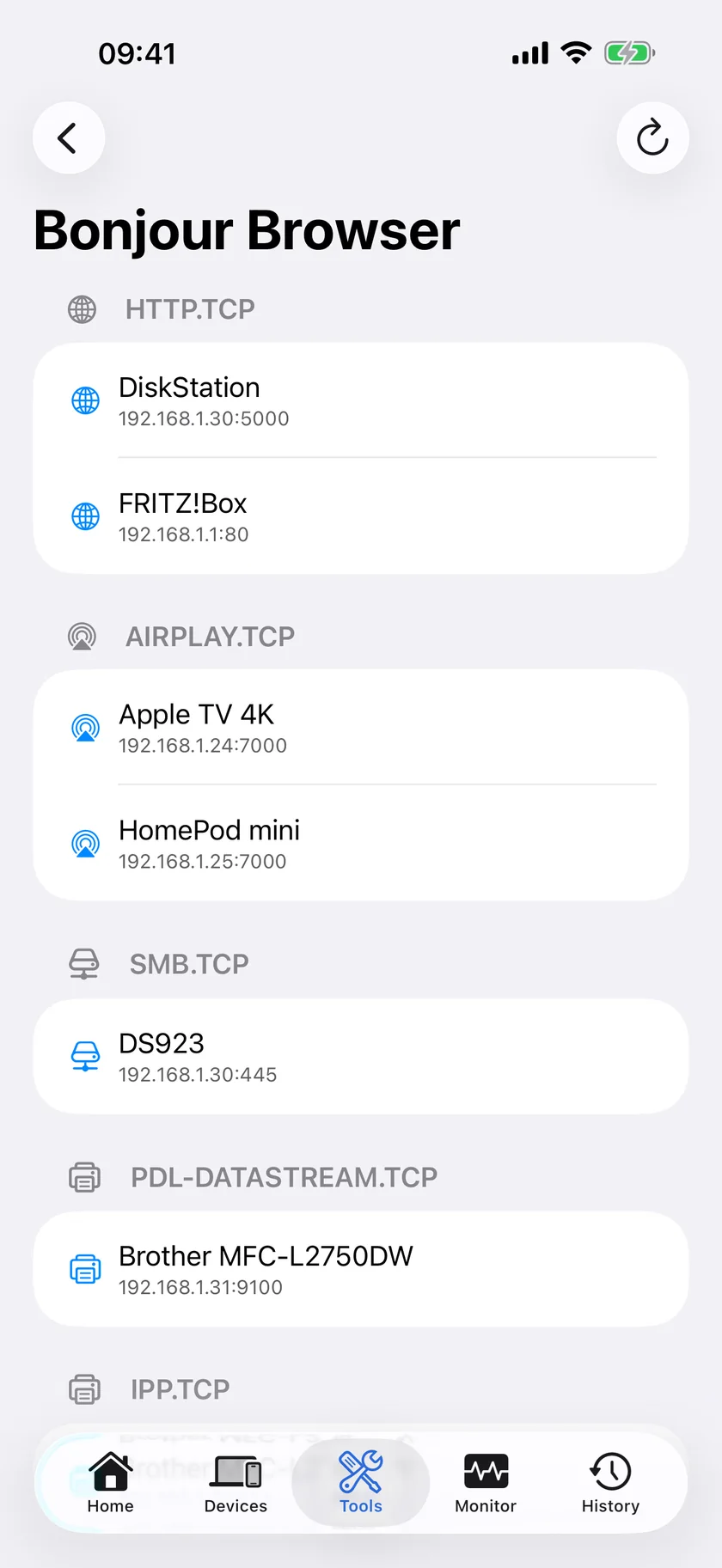
| Discover advertised services (AirPlay, etc.) | Bonjour Browser |
| Automatic alerts when a device joins | Mac Agent (free) |
A 10-Minute Smart-Home Audit
- Scan the LAN. Open the LAN Scanner and list every device. PingKit identifies devices by vendor, hostname, and advertised services. Anything you can't identify gets investigated.
- Run a security scan. It scores your router and network configuration for weak settings or exposed services.
- Check the Bonjour Browser. See which devices advertise services like web interfaces, AirPlay, or SSH - a camera advertising an unauthenticated web page is something you want to know about.
- Port-scan the suspicious ones. Use the Port Scanner on any device that looks off.
Put IoT on a guest network. Most cheap smart devices are the weakest link. A separate guest/IoT network keeps a compromised bulb away from your laptop and phone. See the full home WiFi hardening guide.
Catch Intruders Automatically
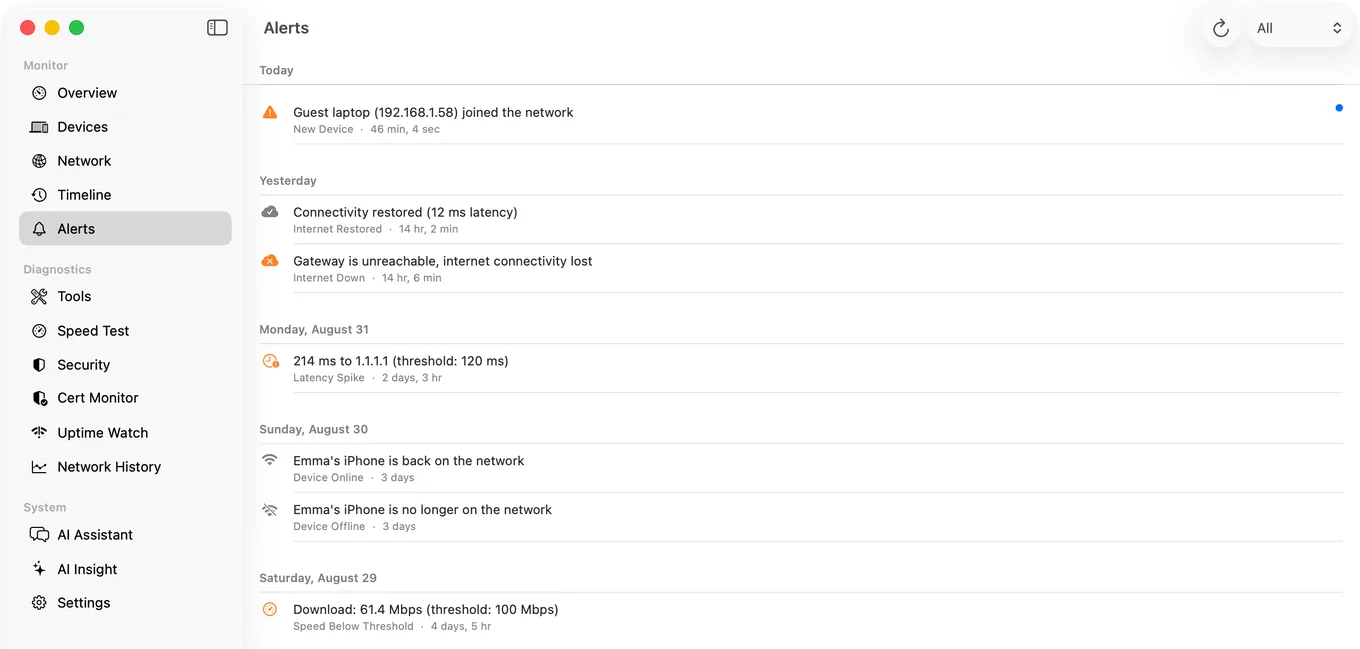
The free Mac Agent watches your network continuously on a Mac that stays awake and alerts you the moment a new device joins - so if something connects at 3am, you know. More on detecting unknown devices.
Related Use Cases
See Everything on Your Network
PingKit finds and identifies every smart device, then flags the risky ones. 19 free tools, no ads.
Download PingKit Free